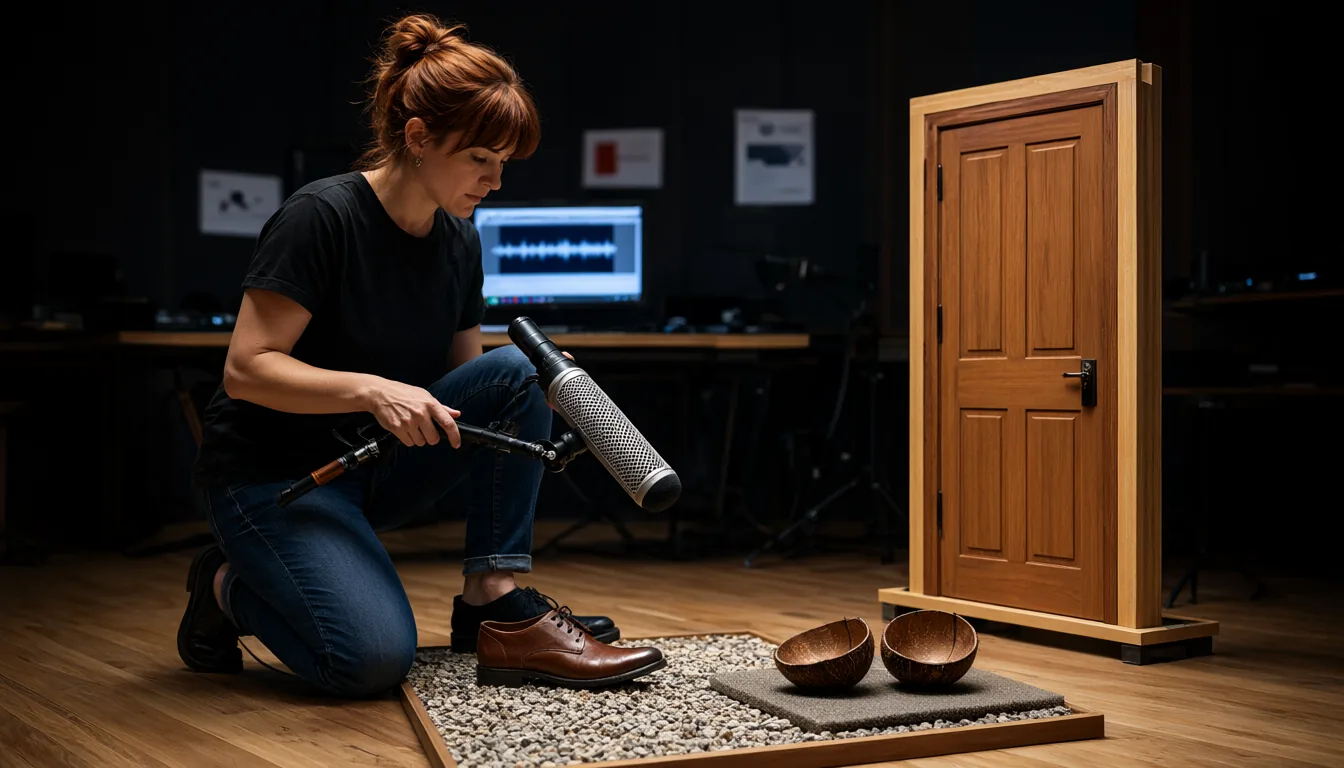
Footsteps on gravel, a door slam, rain on a tin roof, a sci-fi laser charge-up: sound effects used to mean digging through paid libraries. In 2026 you can type a description and generate them on your own PC, and several of the new models can also watch a video clip and create matching foley in sync. In this guide I compare the best local text-to-SFX and video-to-SFX models in November 2026: Sony AI’s Woosh, Stable Audio 3 Small-SFX, MOSS-SoundEffect v2.0, Tencent’s HunyuanVideo-Foley, Xiaomi’s ControlFoley, MMAudio and ThinkSound, with exact ComfyUI nodes, model folders, VRAM needs, prompt tips and licenses.
- Best commercial-friendly text-to-SFX: MOSS-SoundEffect v2.0 (1.3B, Apache 2.0, 48 kHz, up to 30 s, English and Chinese prompts).
- Fastest and lightest: Stable Audio 3 Small-SFX (433M, runs on CPU, up to 2 min) or Woosh DFlow (4 steps, ~4-6 GB VRAM).
- Best quality in ComfyUI: Woosh Flow (Sony AI, 48 kHz) with the ComfyUI-Woosh node, but the weights are CC BY-NC 4.0 (non-commercial).
- Best video-to-SFX (foley in sync): HunyuanVideo-Foley (fp8 under 8 GB) and Woosh DVFlow; ControlFoley when you also want text and reference-audio control.
- Need music instead? See best local background music generators and best local text-to-song models.
Quick Comparison Table
| Model | Released | Size | Input | Length | VRAM | License |
|---|---|---|---|---|---|---|
| Woosh (Sony AI) | May 2026 | Not stated | Text, video | ~5 s default, 8 s video models | Flow 8-12 GB, DFlow 4-6 GB | CC BY-NC 4.0 |
| Stable Audio 3 Small-SFX | May 2026 | 433M | Text, audio | 120 s | CPU, ~2 GB on GPU | Stability AI Community |
| MOSS-SoundEffect v2.0 | May 26, 2026 | 1.3B DiT | Text (EN/ZH) | 30 s | Not stated (estimate 6-8 GB in bf16) | Apache 2.0 |
| HunyuanVideo-Foley | Aug 2025 | ~5 GB fp8 file | Video + text, or text only | Clip length | 10-12 GB, fp8 <8 GB, block swap <4 GB | Tencent Hunyuan Community |
| ControlFoley (Xiaomi) | Apr 2026 | Not stated | Video, text, reference audio | 8 s default | Not stated | CC BY-NC 4.0 weights |
| MMAudio | Dec 2024 | Up to ~1B | Video + text, text only | 8 s | ~6 GB+ | Non-commercial weights |
| ThinkSound / PrismAudio | 2025 / Mar 2026 | Not stated | Video, text, audio | Clip length | Not stated | Apache 2.0 |
Text-to-SFX vs Video-to-SFX
There are two kinds of sound effect models, and you will probably want one of each:
- Text-to-audio (T2A) models make a sound from a description: “heavy wooden door creaks open slowly then slams shut”. Use them to build an SFX library, for games, UI sounds, podcasts and anything without picture.
- Video-to-audio (V2A) models, also called foley models, watch a clip and generate sounds timed to what happens on screen: footsteps land when the feet hit the ground and the glass breaks on the frame it shatters. Use them for AI videos made with models such as Wan 2.2 or MiniMax H3 that come out silent.
Some video models now generate audio themselves (LTX-2.5, FastH3 Omni), but a dedicated foley pass usually sounds cleaner and lets you redo the audio without rendering the video again.
1. Woosh (Sony AI): Best Quality in ComfyUI
Woosh is a sound effect foundation model that Sony AI released in May 2026. The public release includes an audio autoencoder (Woosh-AE), a CLAP text encoder, and four generators: Flow (text-to-audio), DFlow (distilled text-to-audio, 4 steps), VFlow (video-to-audio) and DVFlow (distilled video-to-audio). Sony says the public video model beats comparable open models on FoleyBench while using fewer parameters. A stronger private model trained on licensed Pro Sound Effects and BOOM libraries is kept for commercial use.
Install ComfyUI-Woosh
Search Woosh in ComfyUI Manager, or install manually:
cd ComfyUI/custom_nodes
git clone https://github.com/saganaki22/ComfyUI-Woosh.git
pip install -r ComfyUI-Woosh/requirements.txt
On the Windows portable build, run the pip step with python_embeded\python.exe -m pip install -r ComfyUI\custom_nodes\ComfyUI-Woosh\requirements.txt. The node bundles the Woosh library, so it does not touch your PyTorch install.
Woosh Model Folders
Download the checkpoint folders from drbaph/Woosh and place each folder (with its config.yaml and weights.safetensors) in ComfyUI/models/woosh/:
ComfyUI/models/woosh/Woosh-AE/            (required)
ComfyUI/models/woosh/TextConditionerA/    (required, text-to-audio)
ComfyUI/models/woosh/TextConditionerV/    (required, video-to-audio)
ComfyUI/models/woosh/Woosh-Flow/
ComfyUI/models/woosh/Woosh-DFlow/
ComfyUI/models/woosh/Woosh-VFlow-8s/
ComfyUI/models/woosh/Woosh-DVFlow-8s/
The workflow is short: Woosh Model Loader → Woosh Sampler. Use 50 steps and CFG 4.5 for Flow, or 4 steps and CFG 3.5 for DFlow. Duration is set in latent_frames: 100 frames is about one second, so the default 501 is about 5 seconds. For video, add Woosh Video Loader (max 8 s by default), pick VFlow or DVFlow, set Woosh TextConditioning to V2A, and connect the sampler’s video_frames and audio to Video Combine from ComfyUI-VideoHelperSuite.
VRAM (from the node author): Flow and VFlow need about 8-12 GB, DFlow and DVFlow 4-6 GB, and with CPU offload 2-4 GB. If you run out of memory, enable force_offload, switch to DFlow, or lower latent_frames.
License: the node is Apache 2.0, but the public Woosh weights are CC BY-NC 4.0, so sounds are for non-commercial use.
2. Stable Audio 3 Small-SFX and Medium: Fastest
Stable Audio 3 (May 2026) has a dedicated Small-SFX model: 433M parameters, up to 120 seconds, 44.1 kHz stereo, and fast enough to run on a CPU. Stability measured 1.7-2.4 GB peak VRAM for the Small models on GPU. It was trained on about 1.28 million licensed and CC recordings (AudioSparx plus Freesound with music filtered out), which matters if you plan to sell a game or video.
The bigger Medium model (1.4B) also has an SFX and a One-shot category, and it runs natively in ComfyUI. Files:
ComfyUI/models/checkpoints/stable_audio_3_medium.safetensorsComfyUI/models/text_encoders/t5gemma_b_b_ul2.safetensorsComfyUI/models/text_encoders/qwen3.5_2b_bf16.safetensors(optional prompt rewriting)
All are on Comfy-Org/stable-audio-3. Open the Stable Audio 3.0 Medium template, set the category to SFX or One-shot, and turn on use_reprompt for short prompts. Small-SFX runs with the official repo:
git clone https://github.com/Stability-AI/stable-audio-3.git
cd stable-audio-3
uv sync --extra ui
uv run python run_gradio.py --model small-sfx
Accept the license on the model page first. The Stability AI Community License allows commercial use for individuals and organisations under $1M annual revenue. The text encoder also carries Gemma terms. I cover Stable Audio 3 for music in my background music guide.
3. MOSS-SoundEffect v2.0: Best Apache 2.0 Option
MOSS-SoundEffect v2.0 from the OpenMOSS team (Fudan University and MOSI.AI) came out on May 26, 2026. It replaces the 8B autoregressive v1 with a 1.3B DiT trained with flow matching, a DAC VAE and a Qwen3 text encoder. It generates 48 kHz sound effects of up to 30 seconds from English or Chinese prompts, covering nature, cities, animals, human actions and short musical fragments. The Apache 2.0 license makes it the cleanest choice for commercial projects.
There is no ComfyUI node yet, so run it in its own Python 3.12 environment (it pins torch==2.9 and transformers==4.57, so do not install it into ComfyUI’s Python):
conda create -n moss-soundeffect-v2 python=3.12 -y
conda activate moss-soundeffect-v2
git clone https://github.com/OpenMOSS/MOSS-TTS.git
cd MOSS-TTS/moss_soundeffect_v2
pip install --extra-index-url https://download.pytorch.org/whl/cu128 -e ".[torch-cu128]"
Then generate in Python:
import torch
from moss_soundeffect_v2 import MossSoundEffectPipeline
pipe = MossSoundEffectPipeline.from_pretrained(
    "OpenMOSS-Team/MOSS-SoundEffect-v2.0", torch_dtype=torch.bfloat16, device="cuda")
audio = pipe(prompt="Heavy rain on a tin roof with distant thunder",
             seconds=10, num_inference_steps=100, cfg_scale=4.0)
pipe.save_audio(audio, "rain.wav")
Or start the Gradio app with SOUNDEFFECT_MODEL_DIR=OpenMOSS-Team/MOSS-SoundEffect-v2.0 python ../clis/moss_sound_effect_app.py. Weights download to the Hugging Face cache on first run. The first call compiles with torch.compile and can take a few minutes; set TORCHDYNAMO_DISABLE=1 if compilation fails on Windows. VRAM is not published; a 1.3B DiT in bf16 should fit in 6-8 GB (my estimate).
4. HunyuanVideo-Foley: Best Video-to-Audio
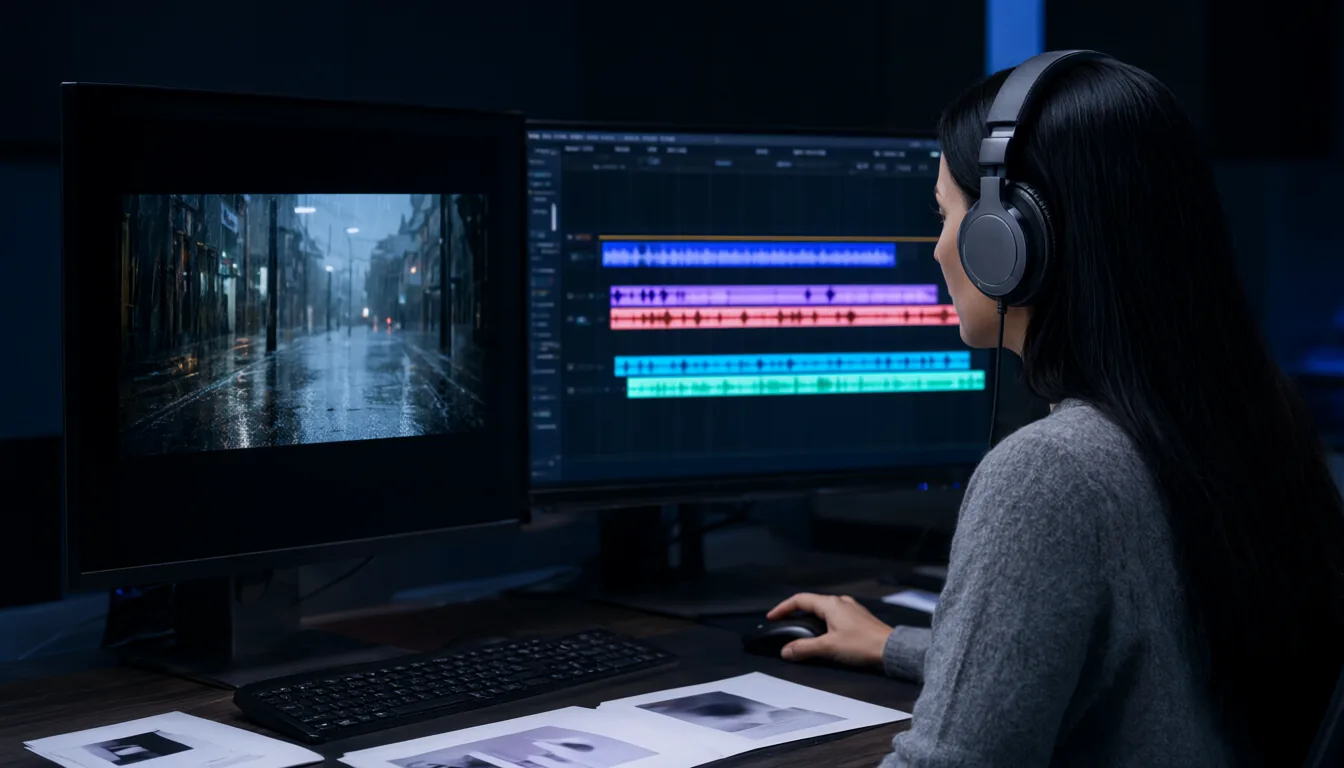
Tencent’s HunyuanVideo-Foley (August 2025) is still the strongest open foley model for adding synced sound to a whole video clip, and it also works as plain text-to-audio when you leave the image input empty. The community node phazei/ComfyUI-HunyuanVideo-Foley makes it fit on modest GPUs:
cd ComfyUI/custom_nodes
git clone https://github.com/phazei/ComfyUI-HunyuanVideo-Foley.git
pip install -r ComfyUI-HunyuanVideo-Foley/requirements.txt
Download the converted files from phazei/HunyuanVideo-Foley into ComfyUI/models/foley/:
ComfyUI/models/foley/hunyuanvideo_foley_fp8_e4m3fn.safetensors(5.34 GB; use_fp8_e5m2on RTX 3090 and older if you want torch compile)ComfyUI/models/foley/synchformer_state_dict_fp16.safetensors(475 MB)ComfyUI/models/foley/vae_128d_48k_fp16.safetensors(743 MB)
Chain Hunyuan-Foley Model Loader (set FP8 quantization to auto or fp8) → Hunyuan-Foley Dependencies Loader (DAC-VAE, SigLIP2, Synchformer, CLAP) → Hunyuan-Foley Sampler (Euler, CFG about 4.5, 50 steps). For video, connect an image sequence and set the frame rate. A 5-second clip needs about 10-12 GB at baseline, under 8 GB with fp8, and under 4 GB with the BlockSwap node (slower). Note that the Tencent Hunyuan Community License excludes the EU, UK and South Korea and has conditions for large services.
5. ControlFoley: Text, Video and Reference Audio
ControlFoley from Xiaomi Research (released April 2026, accepted to ACM MM 2026) handles text-to-audio, video-to-audio, text-plus-video and reference-audio-guided generation in one model, and it is designed to stay controllable when your text and the video disagree. It has an official ComfyUI node, ComfyUI-ControlFoley in the Comfy Registry (repo YJX-Research/comfyui-controlfoley-official), plus a standalone CLI:
git clone https://github.com/xiaomi-research/controlfoley
cd controlfoley
pip install -r requirements.txt
python demo.py --prompt "glass bottle shatters on concrete" --duration 8.0
Weights are on YJX-Xiaomi/ControlFoley (download into the repo’s model_weights folder for the CLI). Code is Apache 2.0, but the weights are CC BY-NC 4.0.
6. MMAudio and ThinkSound / PrismAudio
- MMAudio (CVPR 2025) is the model most older ComfyUI foley workflows use. Install kijai/ComfyUI-MMAudio into
ComfyUI/custom_nodes/, put the safetensors from Kijai/MMAudio_safetensors inComfyUI/models/mmaudio/, and the BigVGAN vocoder auto-downloads toComfyUI/models/mmaudio/nvidia/bigvgan_v2_44khz_128band_512x. Good and fast for 8-second clips, but newer models beat it and its weights are not for commercial use. - ThinkSound (Alibaba FunAudioLLM, NeurIPS 2025) reasons about the scene step by step before generating audio, and its successor PrismAudio (ICLR 2026, released March 2026 on the
prismaudiobranch) improves video-to-audio further. Both are Apache 2.0. Repo: FunAudioLLM/ThinkSound.
Cloud-only options also arrived in ComfyUI as paid partner nodes, such as Mirelo SFX 2.0 (October 22, 2026) and ElevenLabs sound effects. They are not local, so I do not rank them here.
How to Prompt Sound Effects
SFX models respond best to concrete, physical descriptions. Describe the source, the action, the material, the space and the timing:
| Weak prompt | Better prompt |
|---|---|
| door | Heavy wooden door creaks open slowly, then slams shut, small stone hallway with echo |
| footsteps | Leather boots walking on loose gravel, steady pace, close microphone, outdoors |
| explosion | Distant explosion with deep low-end rumble, debris falling, long reverb tail in a valley |
| laser | Sci-fi laser gun charging up with rising whine, then a sharp zap, short and punchy |
| UI click | Soft, clean UI button click, short, high-pitched, no reverb |
| rain | Heavy rain on a tin roof with distant rolling thunder, steady, ambience |
- One sound per prompt. Generate layers separately (rain, then thunder) and mix them. You get more control than asking for everything at once.
- Set the duration to the sound: one-shots 1-3 s, actions 3-8 s, ambiences 20-30 s or more.
- Use the category switch in Stable Audio 3 (SFX for textures and ambiences, One-shot for single hits).
- Generate several seeds and keep the best, especially for one-shots.
A Practical SFX Workflow for Shorts and Games
- Make the video with a local model such as Wan 2.2 or MiniMax H3 (see the best local video models).
- Run a foley pass with HunyuanVideo-Foley or Woosh DVFlow to get synced footsteps and impacts.
- Add hero sounds from a text model (MOSS-SoundEffect v2.0 or Stable Audio 3) for big moments: the whoosh, the hit, the riser.
- Add music from my background music guide and ducking under any voiceover.
- Mux without re-encoding using the commands in add sound effects and a music climax with ffmpeg.
For games, batch-generate variations of each sound (five footstep takes, three door slams) so the game can randomise them and avoid the “machine-gun” repetition effect. Normalise everything to the same loudness before import, for example with ffmpeg’s loudnorm filter.
License Table
| Model | License | Commercial use |
|---|---|---|
| MOSS-SoundEffect v2.0 | Apache 2.0 | Yes |
| ThinkSound / PrismAudio | Apache 2.0 (bundled Stable Audio Open VAE has its own license) | Yes, check VAE terms |
| Stable Audio 3 Small-SFX / Medium | Stability AI Community License | Yes under $1M annual revenue |
| HunyuanVideo-Foley | Tencent Hunyuan Community License | Yes with conditions; not in EU, UK, South Korea |
| Woosh (public) | CC BY-NC 4.0 | No |
| ControlFoley | CC BY-NC 4.0 weights | No |
| MMAudio | Non-commercial weights | No |
This is a summary, not legal advice. Read the license file before you ship a commercial game or client project.
Which Model for Your VRAM
- CPU only or a laptop: Stable Audio 3 Small-SFX.
- 4-6 GB: Woosh DFlow or DVFlow, HunyuanVideo-Foley fp8 with BlockSwap.
- 8 GB: MOSS-SoundEffect v2.0 (estimate), Stable Audio 3 Medium, HunyuanVideo-Foley fp8.
- 12-16 GB: everything here, including Woosh Flow and VFlow at full quality.
If ComfyUI closes or shows “Reconnecting” when you load a foley model, see my Reconnecting fix guide, and check folders with the model folder cheat sheet.
Frequently Asked Questions
What is the best free local AI sound effect generator in 2026?
For commercial work, MOSS-SoundEffect v2.0 (Apache 2.0). For the best quality inside ComfyUI, Woosh Flow, as long as non-commercial use is fine. For speed on any PC, Stable Audio 3 Small-SFX.
Can AI add sound effects to a video automatically?
Yes. Video-to-audio models such as HunyuanVideo-Foley, Woosh VFlow, ControlFoley and MMAudio watch the clip and generate sounds in sync.
Can I generate sound effects without a GPU?
Yes. Stable Audio 3 Small-SFX is built to run on a CPU and makes up to 2 minutes of audio.
How long can AI sound effects be?
MOSS-SoundEffect v2.0 goes up to 30 seconds, Stable Audio 3 Small up to 120 seconds, and Woosh about 5-8 seconds per generation. For longer ambiences, generate and crossfade several takes.
Is there a local alternative to ElevenLabs Sound Effects?
Yes. MOSS-SoundEffect v2.0, Stable Audio 3 and Woosh all run locally for free, and Woosh and Stable Audio 3 work in ComfyUI.
Where do Woosh models go in ComfyUI?
Each model folder goes in ComfyUI/models/woosh/, for example ComfyUI/models/woosh/Woosh-DFlow/, and Woosh-AE, TextConditionerA and TextConditionerV are required.
Final Thoughts
You can now cover the whole sound effects job locally: a fast text model for your library (MOSS-SoundEffect v2.0 or Stable Audio 3), and a foley model for video (HunyuanVideo-Foley or Woosh). Check the license first, because the best-sounding open models (Woosh, ControlFoley, MMAudio) are non-commercial.
This is part three of my local AI audio series:
- Best Local Text-to-Song AI Models: full songs with vocals.
- Best Local AI Background Music Generators: royalty-free instrumentals and loops.
For voices, see Fish Audio Drama 3 in ComfyUI. Video models that create their own sound are covered in LTX-2.5 on 16 GB.
Sources
- Sony AI: Introducing Woosh
- SonyResearch/Woosh-SFX GitHub (license)
- ComfyUI-Woosh node (folders, VRAM)
- Stable Audio 3 GitHub
- Stable Audio 3 Small-SFX model card
- ComfyUI docs: Stable Audio 3
- MOSS-SoundEffect v2 README
- MOSS-SoundEffect-v2.0 on Hugging Face
- ComfyUI-HunyuanVideo-Foley node
- tencent/HunyuanVideo-Foley
- Xiaomi ControlFoley GitHub
- kijai/ComfyUI-MMAudio
- ThinkSound / PrismAudio GitHub
- ComfyUI changelog (Mirelo SFX 2.0)