FreakyJolly: AI Tutorials, ComfyUI Workflows and Local AI Guides
Nemotron 3.5 Bolt E4B 4GB: Which GGUF to Download, Real VRAM Use and RTX 5080 Speed Test
DLSS 5 Supported GPUs and VRAM: Does It Work on RTX 40 or 16 GB Cards?
How Much VRAM Do You Need for ComfyUI in 2026? I Tested a 16 GB RTX 5080
Best Qwen-Image 2.1 Turbo ComfyUI Workflow for 16 GB GPUs: 8-Step INT8 Text to Image (Free JSON)
Best FastH3 Omni ComfyUI Workflow for 16 GB GPUs: 8-Step Reference to Video with Audio (Free JSON)
Best Kromoss ComfyUI Workflow for 16 GB GPUs: INT8 + 8-Step DMD2 LoRA Setup
Best Way to Run Recursive Flint Locally on a 16 GB GPU (NVFP4 + MoE Offload Guide)
Best MiniMax H3 GGUF Workflow in ComfyUI (Q4_K_M + Q2_K, First/Last Frame, 16 GB, Free JSON)
The world of AI. Explained.
A clearer view of artificial intelligence.
Hands-on guides for ComfyUI workflows, AI video, image editing and running models locally — tested, with every file path and setting written down.
- Lead story

Nemotron 3.5 Bolt E4B 4GB: Which GGUF to Download, Real VRAM Use and RTX 5080 Speed Test
Nemotron 3.5 Bolt E4B 4GB on an RTX 5080: which GGUF to download, real VRAM use (3.5 GB at 8K), 145 tok/s in llama.cpp, and when DFlash helps.
The reading list
Latest stories
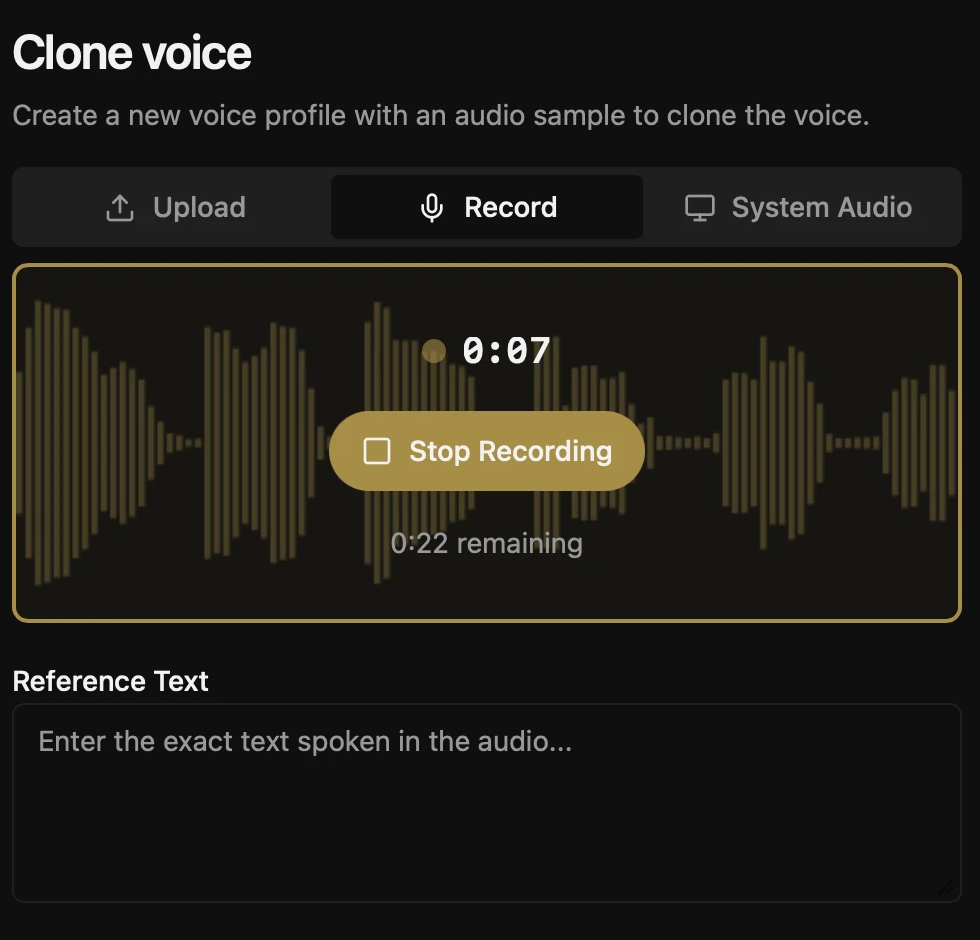
Voicebox Tutorial: Free Local AI Voice Generation on Windows
Set up Voicebox on Windows, choose the right local text-to-speech engine, create a voiceover, and explore authorized voice cloning, expressive delivery, and…

MiniMax H3 ComfyUI reference to image: Consistent Character Workflow (Free JSON)
Turn MiniMax H3 ref2va into a still-image workflow with length 5 and ImageFromBatch. Includes tested settings, honest limitations, and a free API-format…
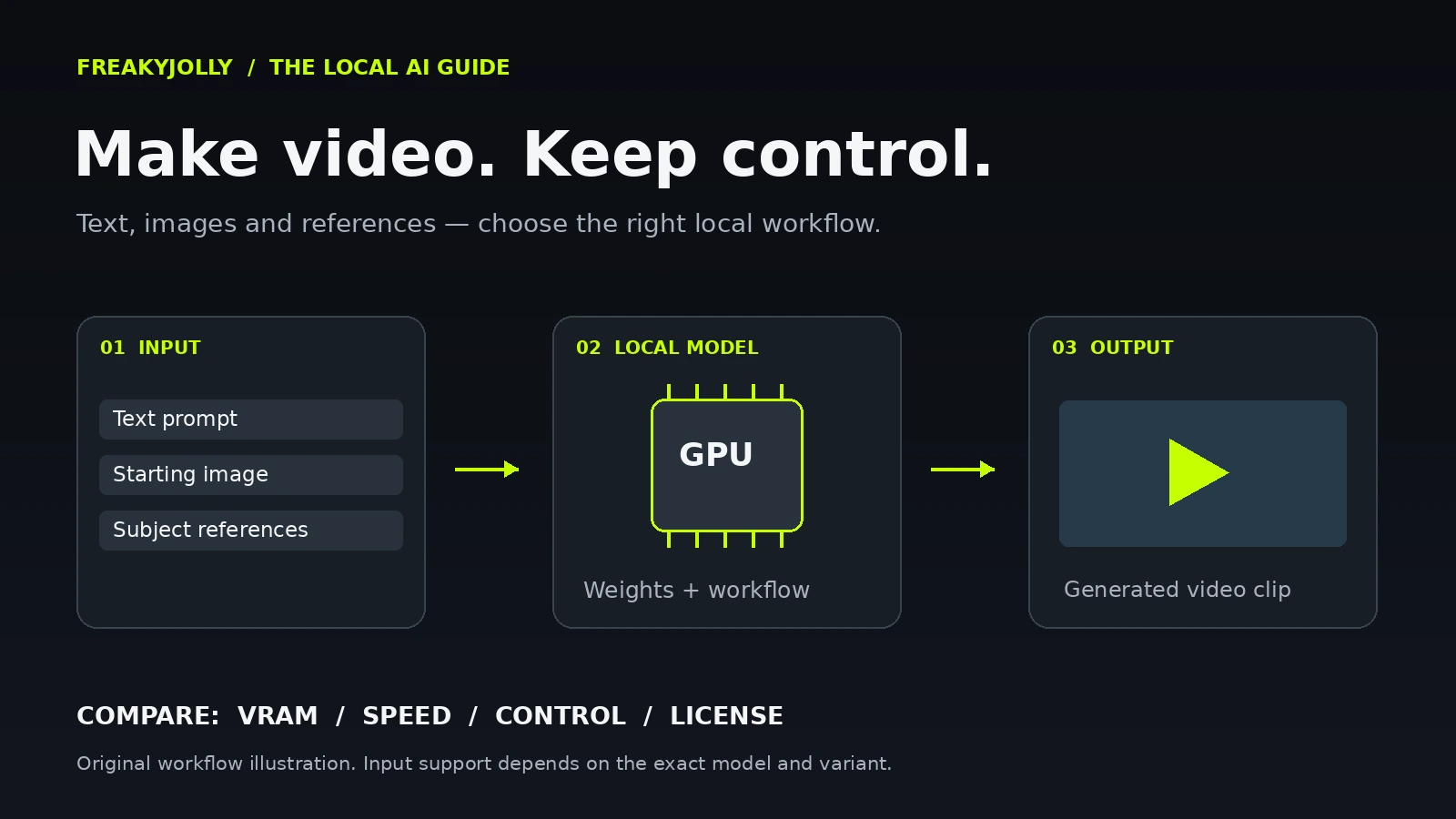
Best Local AI Video Models in 2026: Text-to-Video, Image-to-Video and Reference-to-Video
An evidence-linked practical countdown of local video model families, including text, image and reference workflows, hardware trade-offs and licensing cautions.
How every guide is built
Copy the command. Drop the file. Run the graph.
Each ComfyUI guide follows the same shape, so you can skim straight to what you need.
- Step 1InstallNode packs and exact download commands.
- Step 2Files & pathsEvery model folder in one table.
- Step 3SettingsStarting values that work on consumer GPUs.
- Step 4TroubleshootKnown errors and the fix for each.
New models land fast. Get the working setup first.
Follow FreakyJolly in any feed reader to get every new guide the moment it goes live.