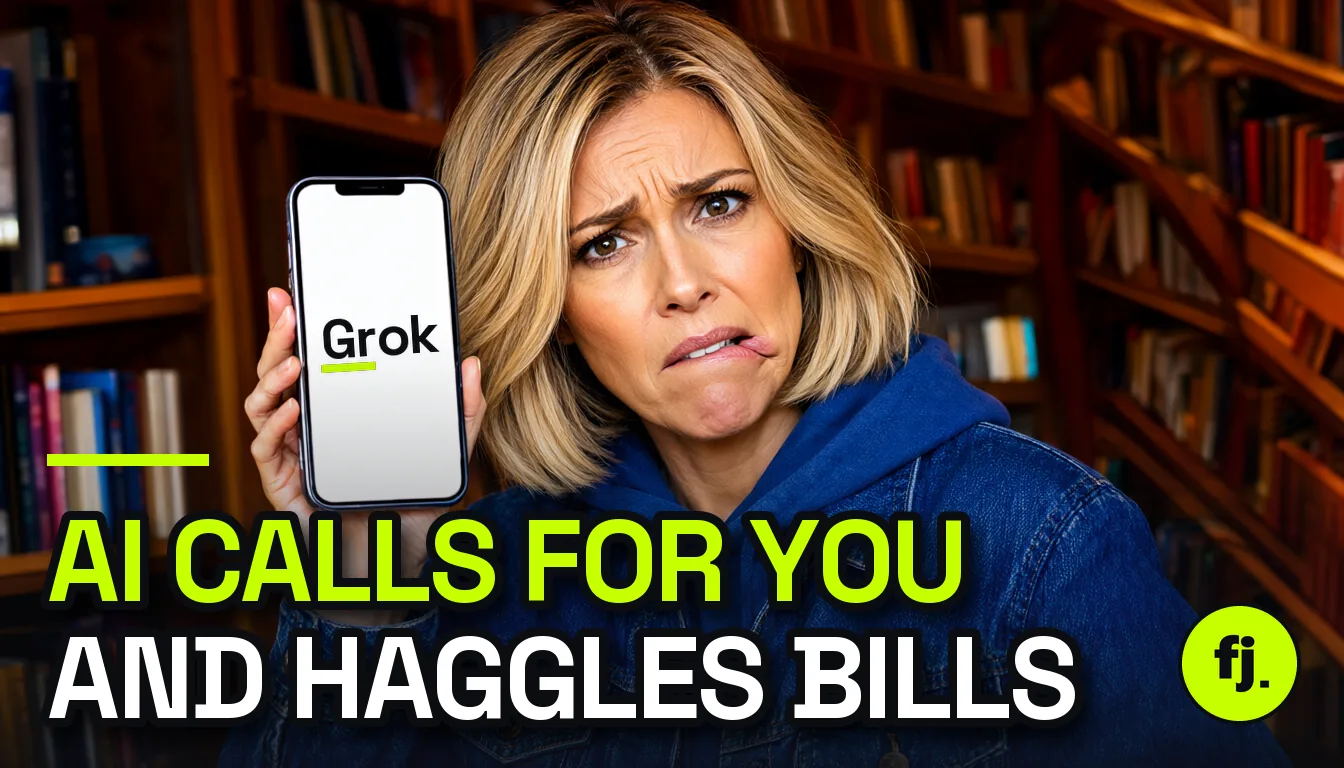
Grok Bot can now pick up the phone for you. You tell it who to call and what you want, and it rings the business, sits through the hold music, talks to the agent and sends you a summary.
Elon Musk first teased calling on 25 October 2026. On 3 November it reached all Grok Bot users for US numbers, and the first user stories (a Comcast bill cut from $84 to $45) went viral.
This guide covers which plan you need, how to set it up and place a call, what it can and cannot do, the “caller of record” rule that makes you legally responsible, usage limits, and how it compares with Gemini’s Call for Me.
- What: Grok Bot (SpaceXSI’s AI agent app) can call US businesses for you: wait on hold, book appointments, negotiate bills, ask questions.
- Who: any Grok Bot user, which means The X Subscription Premium ($30/mo), Super ($100) or Ultra ($200), or an older SuperGrok / Cursor plan with Grok Bot access.
- Where: calls to US numbers only. Calls come from a temporary number, not your own.
- How: ask your Bot in chat (“call X and ask Y”), watch the live transcript, and type answers when it gets stuck.
- Rules: it must say it is a virtual assistant; calls may be recorded; no marketing, mass calls or impersonation.
- Your risk: the terms make you the “caller of record”, responsible for anything the Bot agrees to.
- Catch: calls use your weekly Grok Bot allowance, and SpaceXSI has not said how much one call costs.
What Is Grok Bot Calling?
Grok Bot is not the Grok chatbot. It is SpaceXSI’s (formerly xAI) agent app, launched in beta on 11 August 2026. You create named “Bots” that run on their own cloud computer, sign in to your tools and finish multi-step jobs.
Phone calling is the newest skill. According to Teslarati and The Rundown, a Bot can now:
- Call a person or business on a US number and make your request.
- Navigate phone menus and wait on hold.
- Book appointments and ask about prices or availability.
- Negotiate bills, for example asking for a retention discount.
- Take notes and send you a summary when the call ends.
During the call you see a live transcript. If the agent asks something the Bot does not know (an account PIN, a date that suits you), an answer box pops up in chat. You type the reply and Grok passes it on.
Note: calls run inside the Grok Bot platform through a temporary number, according to The Rundown. The business does not see your personal number.
Which Plan Do You Need?
Grok Bot has no standalone price. Since 12 October 2026 it comes with The X Subscription, the bundle that merged SuperGrok, Cursor and X Premium. Calling is part of Grok Bot, so any plan with Grok Bot can use it.
| Plan | Price (US) | Grok Bot + calls | Usage vs Plus |
|---|---|---|---|
| Free | $0 | No | n/a |
| Plus | $8/mo | No | 1x |
| Premium | $30/mo ($300/yr) | Yes | 4x |
| Super | $100/mo | Yes | 15x |
| Ultra | $200/mo | Yes | 50x |
| Older SuperGrok / Cursor Pro+ plans | Unchanged | Yes, kept | Own allowance |
Sources: TeslaNorth (12 Oct), GrokMag, aiagents.org.uk. GrokMag also reports a promo of $15 for the first month on Premium. Prices exclude tax; in the UK, Premium works out at about £27 with VAT.
For the full Grok price list, including the API, see my Grok pricing guide.
How to Set Up Grok Bot
If you have never used Grok Bot, do this once. Steps follow the setup guide on aiagents.org.uk and GrokMag.
- Subscribe. Get Premium or higher in The X Subscription, or link an existing SuperGrok or X Premium+ plan.
- Install the app. Download Grok Bot from x.ai/bot for Mac, Windows or Linux, or install it on iPhone, iPad or Android.
- Sign in. Sign in through your browser and link your subscription if asked.
- Set approvals first. In Settings, go to General, then Auto-review, and add “Ask first” rules for sending, publishing, purchasing and deleting.
- Create a Bot. Give it a short name and one clear job, for example “Phone errands”.
- Add context. Tell the Bot your name, account numbers it may share, and your limits (for example “never agree to a contract longer than 12 months”).
Tip: keep approvals on for at least the first week. The Bot asked Peter Yang for approval before accepting final terms on his Comcast call, which is exactly what you want.
How to Make Grok Bot Call a Business
- Open your Bot’s chat on desktop or phone.
- Give a full brief. Who to call (name and US number), your goal, facts it may share, and your walk-away point.
- Start the call. The Bot dials from a temporary number and tells the business it is a virtual assistant calling for you.
- Watch the live transcript. You can follow every line as it happens.
- Answer pop-up questions. When the agent asks something new, type the answer in the box and Grok relays it.
- Approve the outcome. Confirm or reject any offer before the Bot accepts it.
- Read the summary. Check the notes, confirmation numbers and new prices, then verify them in your account or by email.
A good brief looks like this:
Call Comcast at the number on my bill. I'm the account holder (name: ...).
Goal: lower my internet bill. I currently pay $84/month.
A competitor offers 1 Gbps fiber for $50/month - you may mention it.
Decline any TV, phone or equipment add-ons.
Do not accept a contract longer than 12 months. Ask me before accepting anything.
What People Have Done With It So Far
These are user reports collected by Teslarati and BereaOnline, not verified billing records:
| Task | Reported result | Call length |
|---|---|---|
| Comcast bill negotiation (Peter Yang) | $84 to $45/month on a faster plan, declined 3 upsells; about $500/year saved | ~25 min |
| Verizon Fios | $100 gift card | ~51 min |
| Paediatric appointment | Same-day slot booked | n/a |
| Pizza order | Demo order placed | n/a |
| Cancel a subscription | Failed: rep refused once they knew it was an AI | n/a |
The last row matters. Some businesses will not deal with an AI caller, especially for cancellations or account changes that need identity checks.
The “Caller of Record” Rule: You Are Responsible
This is the part most people skip. According to BereaOnline’s reading of the Grok Bot Terms:
- Section 2.7: you are the “caller of record” and “solely responsible” for the calls and for following phone laws.
- Section 2.4: you are responsible for charges, commitments and other consequences of the Bot’s actions, including unintended ones.
- Disclosure: every call must identify the caller as a virtual assistant acting for someone. You cannot turn this off.
- Recording: calls may be recorded.
- Banned uses: marketing calls, mass calling, harassment, fraud, impersonation and calls to emergency services.
- Consent: the people being called must give appropriate permission.
Warning: if the Bot agrees to a new plan, a fee or a contract on your behalf, you own that agreement. Keep “ask first” approvals on and give a clear walk-away point in every brief.
This is not legal advice. Phone-recording consent rules differ by US state, so check the business’s own call policy if it matters.
Limits, Usage Caps and Countries
- Countries: calls work only with US numbers and US businesses. Grok Bot itself is available in the UK and EU, but not calling (aiagents.org.uk).
- Weekly usage: Grok Bot runs on a weekly allowance. SpaceXSI has not said how calls count against it, and a 50-minute hold could be costly.
- Cost pressure: on 1 November Musk said serving Grok Bot was “unsustainably high relative to revenue” after users ran out of weekly usage. No new limits have been announced.
- Data location: Bot computers run in the US, so call data is processed there.
- In-car: Grok Bot has been in Teslas since 22 September, but neither Tesla nor SpaceXSI has confirmed calling from the car.
- Emergency: it will not call emergency services.
Grok Bot vs Gemini Call for Me vs Others
| Assistant | Calls businesses for you? | Who gets it | Caller ID |
|---|---|---|---|
| Grok Bot | Yes, full conversation, negotiation | X Subscription Premium+ ($30+), US numbers | Temporary number |
| Gemini Call for Me | Yes (preview): stock checks, bookings, holds | Pixel 11 series, US SIM, paid Google AI plan, Phone app beta | Your own number |
| Google Ask for Me | Yes, price and availability quotes from local businesses | US, Search Labs | Google calls, you get a summary |
| ChatGPT | No outbound calls to third parties | n/a | n/a |
| Siri (iOS 27) | No; shows call context during your own calls | n/a | n/a |
| Alexa+ | Books through partner integrations, not phone calls | US | n/a |
Sources: TechCrunch (24 Sep), Assindo (30 Sep), Teslarati (3 Nov). Gemini’s version will not handle payments or share financial or health details, while Grok’s is built for bill negotiation.
For more on Google’s side, see Gemini replacing Google Assistant on Android. For a full chatbot comparison, read ChatGPT vs Claude vs Gemini vs Grok.
Troubleshooting
- The Bot says it cannot call: check the number is a US number and your plan includes Grok Bot (Premium or higher). Free and Plus do not.
- Usage ran out mid-week: long hold times and browser work drain the weekly pool. Upgrade tier or wait for the weekly reset.
- The rep hangs up or refuses: some businesses will not talk to AI callers. Try their chat or call yourself for cancellations.
- The Bot is stuck on a security question: answer in the pop-up box. If the business needs your own voice, you will have to call.
- No answer box appeared: keep the Bot’s chat open on desktop or phone during the call so you see prompts.
- Summary details look wrong: always confirm new prices and dates in your account or confirmation email before relying on them.
My Take
This is the first AI phone agent most people can actually buy, and for hold-heavy chores like bill haggling it is a genuine time saver. The Comcast story shows the ideal use: a clear goal, a competitor offer and a human approval at the end.
Two things would make me careful. You carry the legal responsibility, and the weekly allowance is opaque, so a long hold could eat your week.
My advice: start with low-risk calls (opening hours, stock checks, bookings), keep approvals on, and only then let it negotiate. I will update this guide when SpaceXSI publishes call limits or opens calling outside the US.
FAQ
Can Grok make phone calls for me?
Yes. Grok Bot, SpaceXSI’s agent app, can call US businesses for you, wait on hold, book appointments and negotiate bills, then send you a summary.
How much does Grok Bot calling cost?
There is no separate fee. It comes with Grok Bot in The X Subscription from Premium at $30 a month, and calls use your weekly Grok Bot allowance.
Does Grok Bot tell people it is an AI?
Yes. The terms require every call to say it is a virtual assistant acting for someone, and you cannot turn that off.
Can Grok Bot call numbers outside the US?
Not yet. Calling works only with US numbers and US businesses, even though Grok Bot itself is available in the UK and EU.
Who is responsible if the Bot agrees to something?
You are. The terms name you the “caller of record”, responsible for the calls and their consequences, so keep approvals on.
Does the business see my phone number?
No. Reports say calls go out from a temporary number inside the Grok Bot platform.
Are Grok Bot calls recorded?
They may be. The terms say calls may be recorded, and you get a live transcript and summary in the app.
Is there a free way to have AI call a business?
Google’s Ask for Me in Search Labs (US) can call local businesses for quotes. Full conversational calling from Grok or Gemini needs a paid plan.
Sources
- Teslarati: “Elon Musk’s Grok Bot is picking up the phone now” (3 Nov 2026)
- The Rundown AI: “AI agents can now make your phone calls” (5 Nov 2026)
- BereaOnline: Grok Bot phone calls and the Grok Bot Terms (sections 2.4 and 2.7)
- SpaceXSI / x.ai: “Introducing Grok Bot” (11 Aug 2026)
- TeslaNorth: The X Subscription plans (12 Oct 2026)
- GrokMag: Grok Bot pricing and timeline
- aiagents.org.uk: Grok Bot UK availability and setup
- ExplainX: Musk on Grok Bot serving costs (1 Nov 2026)
- TechCrunch: Google tests Gemini Call for Me (24 Sep 2026)
- Assindo: which AI assistants can make phone calls (30 Sep 2026)