FreakyJolly: AI Tutorials, ComfyUI Workflows and Local AI Guides
Best FastH3 Omni ComfyUI Workflow for 16 GB GPUs: 8-Step Reference to Video with Audio (Free JSON)
Best Kromoss ComfyUI Workflow for 16 GB GPUs: INT8 + 8-Step DMD2 LoRA Setup
Best Way to Run Recursive Flint Locally on a 16 GB GPU (NVFP4 + MoE Offload Guide)
Best MiniMax H3 GGUF Workflow in ComfyUI (Q4_K_M + Q2_K, First/Last Frame, 16 GB, Free JSON)
ChatGPT Chrome Extension Guide: Chat vs Work Mode, Setup, Permissions and Safety
Kimi K3.1 Pro: Specs, Benchmarks, Open Weights Date and Can You Run It Locally?
PHP2Shell WordPress Fix: Check and Patch the AI-Found PHP Flaw (CVE-2026-109618)
ComfyUI-RMBG 3.3: Canvas Studio, Video Background Removal and New Matting Models
The world of AI. Explained.
A clearer view of artificial intelligence.
Hands-on guides for ComfyUI workflows, AI video, image editing and running models locally — tested, with every file path and setting written down.
- Lead story
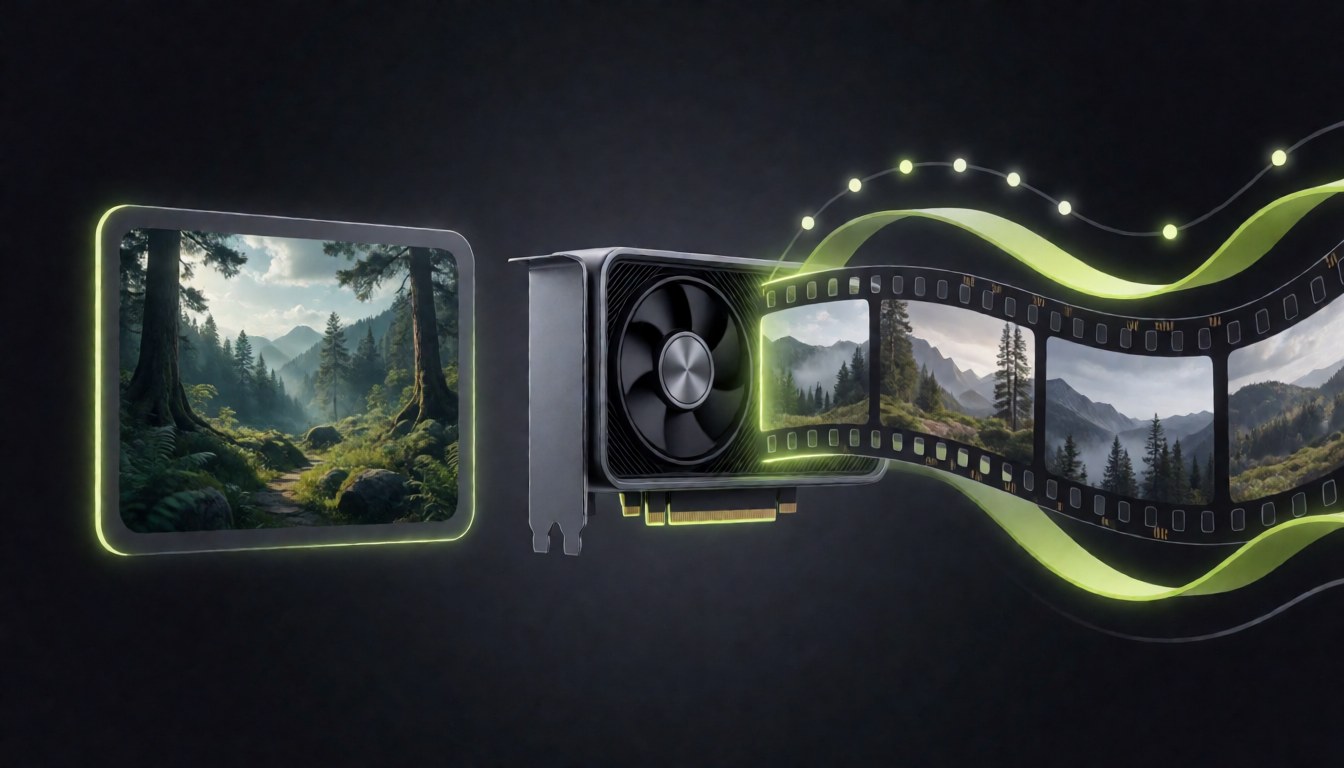
Best FastH3 Omni ComfyUI Workflow for 16 GB GPUs: 8-Step Reference to Video with Audio (Free JSON)
Run FastH3 Omni in ComfyUI: 8-step reference-to-video with synced audio, which INT8, NVFP4 or FP8 file suits 16 GB GPUs, exact settings and a free workflow.
The reading list
Latest stories

Fish Audio Drama 3 Locally in ComfyUI: Run the 35B TTS on an 8 GB GPU
Run Fish Audio Drama 3, the 35B multi-speaker TTS model, locally in ComfyUI on an 8 GB GPU: RAM needs, which file…
MOSS-Image in ComfyUI: Files, Settings, Layout JSON and 4-Step LoRAs
How to run OpenMOSS’s 5B MOSS-Image model in ComfyUI: which files go where, the right settings, JSON layout control with bounding boxes,…
Can You Run Meta Muse Spark Open Locally? Hardware, Quants and Setup
Run Muse Spark Open locally: real RAM and VRAM needs for every quant, Mac Studio and server options, llama.cpp and Unsloth commands,…

Comfy Agent Guide: Pricing, Credits, Local Support and Comfy MCP Explained
Comfy Agent builds, runs and fixes ComfyUI workflows from plain English. Here is how to start, what it costs in credits, local…
FLUX 3 Image Klein in ComfyUI: Setup, Files and 8 GB VRAM Settings
Run FLUX 3 Image Klein in ComfyUI: which files to download, where they go, the four official templates, 8 GB VRAM settings,…
Best MiniMax H3 RIFE Workflow in ComfyUI: 24 to 72 FPS Frame Interpolation (Free JSON)
Turn 24 fps MiniMax H3 clips into smooth 72 fps video in ComfyUI with RIFE VFI, synced audio and an optional 1080p…
MiniMax H3 Prompt Guide: Best Prompt Templates for T2V, I2V, FL2V and Reference-to-Video (ComfyUI)
MiniMax H3 prompt guide for ComfyUI: the official field structure, copy-paste templates for T2V, I2V, FL2V and reference-to-video, camera moves, dialogue tags…
MiniMax H3 Out of Memory in ComfyUI: 16 GB GPU Fixes That Work
Fix MiniMax H3 out of memory in ComfyUI on 16 GB GPUs: tested settings for model load, Qwen text encoder, sampler and…
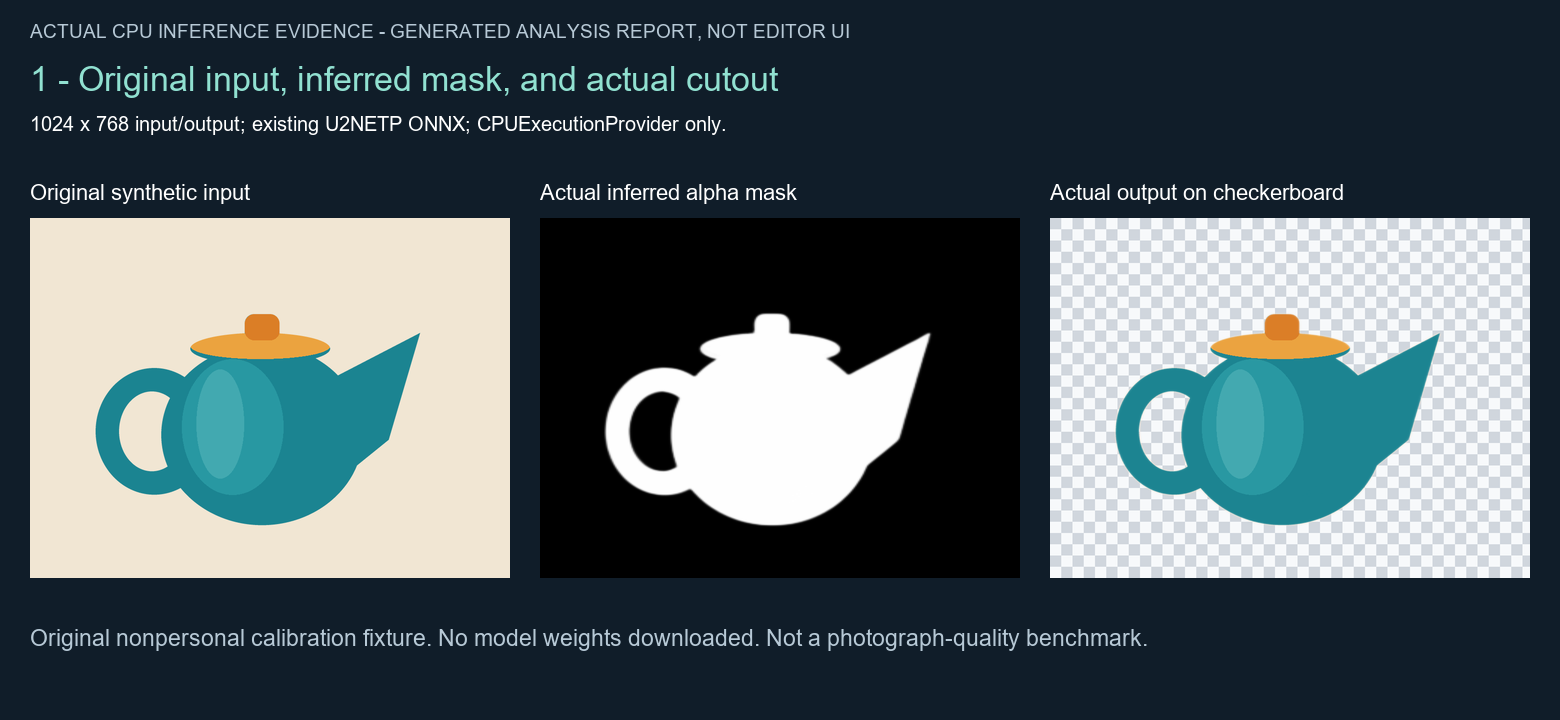
Local Background Removal: Best Practices with U2NETP on CPU
A tested local U2NETP CPU workflow with an original teapot fixture, transparent PNG checks, real edge analysis, and reusable scripts. Includes the…
How every guide is built
Copy the command. Drop the file. Run the graph.
Each ComfyUI guide follows the same shape, so you can skim straight to what you need.
- Step 1InstallNode packs and exact download commands.
- Step 2Files & pathsEvery model folder in one table.
- Step 3SettingsStarting values that work on consumer GPUs.
- Step 4TroubleshootKnown errors and the fix for each.
New models land fast. Get the working setup first.
Follow FreakyJolly in any feed reader to get every new guide the moment it goes live.