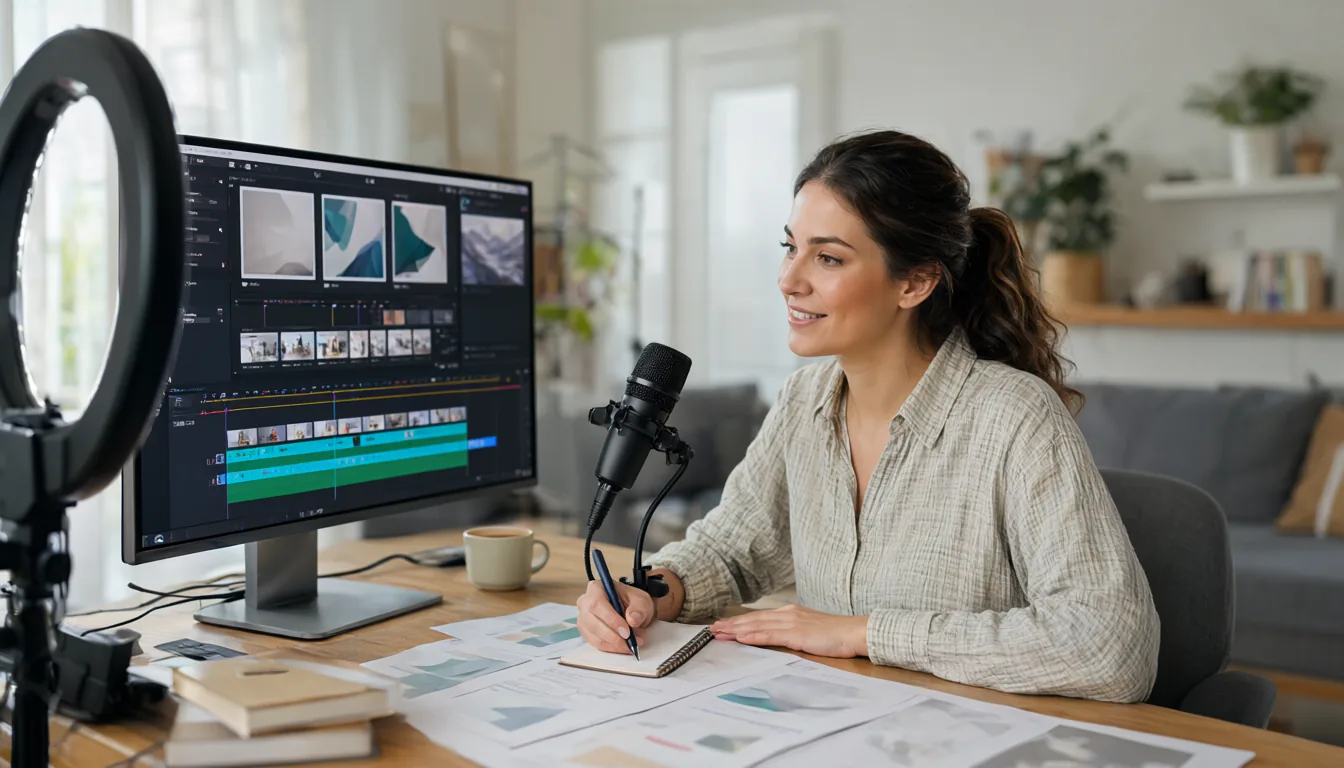
CapCut started as a simple mobile editor and is now one of the most AI-heavy video tools you can download. In 2026 alone it added ByteDance’s Dreamina Seedance 2.0 and 2.5 video models, a credit system, a Director Mode for AI short dramas, an AI design canvas with Nano Banana and GPT Image, third-party video models like Kling and Veo, and EditPilot, which makes a first-pass edit of your footage from a prompt. This guide explains every important CapCut AI feature, which plan and platform you need, how credits work, and how to get good results without wasting them.
- Seedance 2.0 (March 2026): AI video with synced audio, clips up to 15 seconds, six aspect ratios, phased rollout by country.
- Seedance 2.5 (August 2026, CapCut PC and web): longer clips (CapCut’s own guides cover 30-second videos), AI Video, AI Edit and AI Extend, for Pro and Ultra members, billed per second in credits.
- EditPilot (September 2026, PC): prompt-driven first-pass editing that trims, removes filler words and pauses, reorders scenes and adds transitions.
- Plans: Pro includes 1,200 AI credits per cycle (raised from 550 in April 2026), Standard is mobile-only with 600, Ultra launched in June for heavy AI users.
- Generative credit features are desktop and web only; many classic AI tools (captions, background removal) also run on mobile.
CapCut AI Updates in 2026: Timeline
| Date (2026) | Update | Platform |
|---|---|---|
| March 25 | New AI credit system | Desktop, web |
| March 26 to April | Dreamina Seedance 2.0 video model | Desktop, web (phased by country) |
| April 8 | Plan restructure: new Standard plan, Pro credits raised to 1,200, 1 TB storage | All |
| June 22 | Ultra tier for AI-heavy creators | All |
| June 28 | Director Mode for AI short dramas | Desktop, web (Video Studio) |
| July 31 / August 7 | Seedance 2.5 and Seedream 5.0 Pro image model | Desktop, web |
| August 14 | Design Studio update with AI agent and Skills | Web |
| Late August | Third-party video models: Kling 3.0, Veo 3.0/3.1, PixVerse | Desktop, web |
| September 11 | EditPilot prompt-driven editing | Desktop (PC) |
Seedance 2.0 and 2.5: AI Video Generation
Dreamina Seedance 2.0 is ByteDance’s audio and video model. TechCrunch reported on March 26, 2026 that it was rolling out in CapCut, letting creators draft, edit and sync video and audio from prompts, images or reference videos. At launch, clips were limited to 15 seconds in six aspect ratios, and the rollout started in Brazil, Indonesia, Malaysia, Mexico, the Philippines, Thailand and Vietnam, with more markets added over time. It appears in CapCut’s AI Video editing and Video Studio.
Seedance 2.5 arrived on CapCut PC in August 2026. CapCut describes three modes:
- AI Video: generate longer shots for ads, product stories, social clips and concept visuals. CapCut’s own tutorials cover 30-second generations, and independent coverage reports up to 50 multimodal references and timestamp-level editing.
- AI Edit: refine existing footage for pacing, story structure and alternate cuts.
- AI Extend: lengthen clips for transitions, narration and scene continuity.
Seedance 2.5 is for Pro and Ultra members and is billed by the second in credits. Availability can also depend on region and age.
If you prefer to run AI video free on your own GPU, see my guides to Wan 2.2 in ComfyUI on 16 GB and LTX-2.5 in ComfyUI.

EditPilot: AI Editing From a Prompt
EditPilot, added to CapCut PC in September 2026, is the feature I would try first if you edit talking-head videos, tutorials or podcasts. You import your footage and describe the edit you want, for example cut this to a 60-second highlight, remove ums and long pauses, put the strongest hook first and add subtle transitions. EditPilot produces a first-pass timeline: trims, filler-word and silence removal, reordered scenes and transitions, and it can create alternate versions. You then fine-tune by hand on the normal timeline.
Tips: give it a target length, a platform (YouTube Shorts, Reels) and a tone. Check the cuts around important sentences; silence removal can clip the first syllable of a word.
Director Mode and Video Studio
Director Mode (June 2026) lives in Video Studio on desktop and web. It is built for AI short dramas and series: you define characters, scenes and props once, and CapCut keeps continuity across shots so the same character looks the same from clip to clip. Pair it with Seedance for generation and the normal editor for timing, music and captions.
Design Studio: Images With Seedream, Nano Banana and GPT Image
CapCut’s web Design Studio got an infinite canvas with an AI agent in August 2026, plus Skills for one-click reusable workflows. It offers several image models: ByteDance’s Seedream 5.0 Pro (interactive editing, layer separation and text in 14 languages, paid subscribers), Google’s Nano Banana 2 and Nano Banana Pro, and OpenAI’s GPT Image 2. Use it for thumbnails, covers and ad creatives that match your video. For a deeper design workflow, my Canva AI 2.0 guide covers a strong alternative.
Everyday AI Tools: Captions, Background Removal, Voice
These are the AI tools most CapCut users touch every day, and many work on mobile:
- Auto captions: Text > Auto captions. Pick the spoken language, generate, then choose a caption style. Fix names by tapping a line.
- Remove background: select a clip > Remove BG (Auto removal) without a green screen.
- Text to speech and voice effects: add a voiceover from text or change your voice.
- Auto reframe: convert landscape to vertical while keeping the subject centred.
- Script to video and AI avatars: generate a draft video from a script.
- Noise reduction and enhance voice for cleaner audio.
- Auto Adjust and Color Match for quick colour correction (Pro).
Credits, Pro, Standard and Ultra Explained
Since March 2026, CapCut’s generative features run on credits. There are three types: subscription credits (spent first), activity credits and purchased credits. Plans as reported after the April and June 2026 changes:
| Plan | AI credits | Notes |
|---|---|---|
| Free | Limited | Many AI tools and effects require Pro |
| Standard | 600 per cycle | Mobile only |
| Pro | 1,200 per cycle (raised from 550) | 1 TB cloud storage; about $19.99/month on capcut.com (varies by region) |
| Ultra | Highest | Launched June 22, 2026 for AI-heavy creators and studios |
Third-party models cost more: PCMag reported that a Veo 3 clip of 8 seconds used around 416 credits. Seedance 2.5 is billed per second. Always check the credit estimate before you click Generate, and test prompts on short durations first. Prices and allowances vary by country and platform, so confirm in your account.
How to Make an AI Video in CapCut (Step by Step)
- Install or update CapCut for PC or open CapCut on the web and sign in.
- Open AI Video (or Video Studio) from the home screen.
- Choose the model: Seedance 2.5 if you are on Pro or Ultra, otherwise the models available in your region.
- Write a prompt, and optionally add reference images, a reference video or audio.
- Pick aspect ratio and duration, check the credit cost and generate.
- Send the result to the editor, then use AI Extend for longer scenes, add captions, music and your own footage.
- Export. CapCut adds Content Credentials and labels to AI-generated content.
Prompt Tips for Seedance
- Describe camera, subject, action, setting, light: Slow dolly-in on a ceramic coffee mug on a wooden table, steam rising, morning window light, shallow depth of field.
- One action per shot. Build sequences from several short clips instead of one long complex prompt.
- Use references for products and characters to keep them consistent.
- Mention sound when you want synced audio: “gentle cafe ambience, cup clink”.
- Generate short, then extend. Test at 5 seconds, then extend the version you like.
Watermarks, Labels and Content Rules
CapCut adds invisible watermarks, C2PA Content Credentials and visible AI labels to generated content. Seedance in CapCut blocks generating videos from images or videos that contain real faces and blocks unauthorised use of intellectual property. Do not try to recreate celebrities, brands or copyrighted characters; besides the filters, it can get your account or channel flagged.
CapCut vs Other AI Video Editors
| Tool | Best at | AI video generation | Free plan |
|---|---|---|---|
| CapCut | Short social videos, captions, effects | Seedance 2.0/2.5 plus third-party models via credits | Yes, many AI tools need Pro |
| Canva | Quick social videos from templates | Limited, via Canva AI and apps | Yes |
| Descript | Editing talking videos and podcasts by editing the transcript | Limited, focus is editing | Yes, with limits |
| Kling | Pure AI video generation | Kling models, strong motion | Daily free credits |
| DaVinci Resolve | Serious editing and colour | No generator, AI tools in Studio version | Yes, very capable |
If your goal is generating clips, compare CapCut’s Seedance with dedicated tools in my Kling AI guide. If you want to edit with a free professional tool and generate clips locally, ComfyUI with Wan or LTX models costs nothing per clip once you have a GPU.
CapCut AI Not Working? Fixes
| Problem | Fix |
|---|---|
| Seedance or AI Video missing | Update CapCut, sign in, and check your region; some models are not offered in every country. |
| “Insufficient credits” | Subscription credits are spent first, then activity and purchased credits. Wait for the cycle reset, lower the duration, or buy credits. |
| Image-to-video blocked | Seedance in CapCut refuses images with real faces. Use an illustrated or AI-generated character instead. |
| Generation stuck or failed | Retry with a shorter duration and simpler prompt; check your credit history and contact support if a failed job used credits. |
| Export has a watermark | Pro templates or effects in a free account add a watermark. Remove Pro items or upgrade. |
| Auto captions out of sync | Select the caption track, use the sync or re-generate option, and make sure the audio has little background music. |
| Laggy editor on PC | Turn on proxy media or lower preview quality, and update GPU drivers. |
Frequently Asked Questions
Is CapCut AI free?
Some AI tools, like auto captions and basic background removal, are usable for free. Generative video and image features use credits and most need Pro or higher.
Is Seedance available in the US?
Seedance 2.0 launched first in several Asian and Latin American markets and was not initially available in the US. Check the AI Video panel in your region for current availability.
Does CapCut AI work on mobile?
Credit-based generative features are on desktop and web. Many on-device tools such as captions, speech-to-text and background removal work on the mobile app.
Is CapCut available in India?
CapCut has been blocked in India since 2020. Indian creators often use alternatives or run open-source video models locally.
What is the best free alternative to Seedance?
Open models like Wan 2.2 and LTX-2.5 run free on a 12 to 16 GB GPU. See my best Wan 2.2 LoRAs guide to get started.
How many credits does a CapCut AI video cost?
It depends on the model and length. Seedance 2.5 is billed per second, and PCMag reported an 8-second Veo 3 clip used around 416 credits. Always read the estimate shown before you press Generate.
Can I use CapCut AI videos on YouTube and for clients?
Yes, as long as you follow CapCut’s terms, avoid real people and copyrighted characters, and disclose realistic AI content where YouTube asks you to. CapCut also adds Content Credentials to generated clips.
Final Thoughts
CapCut’s 2026 updates turn it into a full AI video studio. For creators, EditPilot and AI Extend are the most practical additions because they speed up real editing rather than replacing it, while Seedance 2.5 is excellent for B-roll and product shots if you watch your credits. Start with short tests, use references for consistency, and keep a human pass on every edit.
Editing photos for your thumbnails? See my Photoshop AI features guide.