Part of our GTA 6 + AI hub: AI tools, workflows and honest guides for GTA 6 creators.
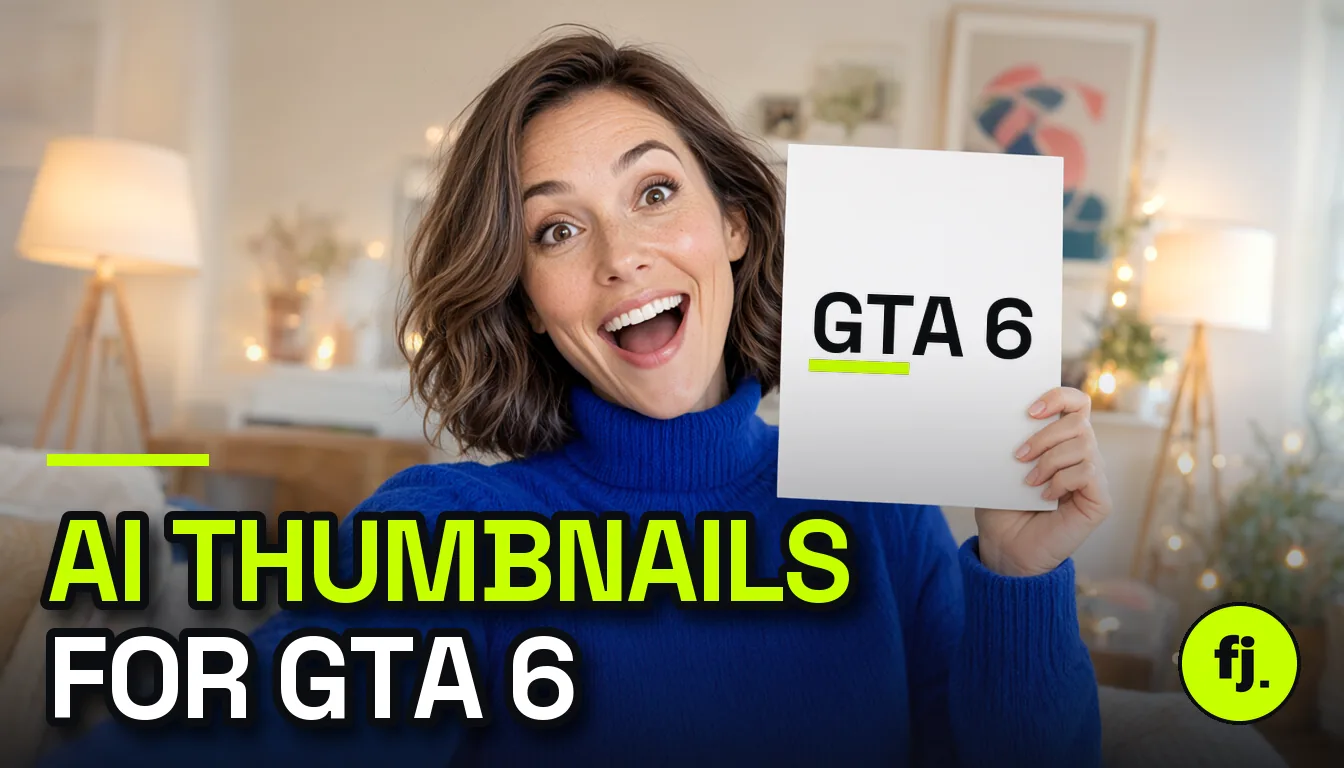
When GTA 6 videos flood YouTube, the thumbnail decides who gets the click. You don’t need Photoshop skills for a good one. Free AI tools can cut you out of a photo, clean up a gameplay frame and suggest layouts in seconds.
This guide shows how to make GTA 6 YouTube thumbnails with free AI tools, step by step, with the exact sizes YouTube wants, a comparison of free tools, how to A/B test thumbnails in YouTube Studio, and the rules that keep your channel safe.
- Size: 16:9, JPG or PNG. YouTube recommends 3840 x 2160 and needs at least 640 px wide. Keep it under 2 MB if you upload from your phone.
- Best free combo: your own gameplay screenshot + a free background remover + Canva or Adobe Express for text.
- Fully offline: ComfyUI with SDXL or Flux on your own GPU for backgrounds and effects, no credits needed.
- Test it: YouTube Studio’s Test & Compare tries up to 3 thumbnails and picks the one with the most watch time.
- Stay safe: no official Rockstar logos or key art, no spoilers, no misleading images. Custom thumbnails need a verified account.
What Makes a GTA 6 Thumbnail Work
Most people see your thumbnail at the size of a postage stamp on a phone. A design that looks great on your monitor can turn into mush there.
Strong gaming thumbnails tend to share a few habits:
- One clear subject. A car mid-air, your character, or your face reacting. Not five things at once.
- Two to four words of text, max. The title already explains the video, so the thumbnail adds a hook.
- High contrast. Bright text with a dark outline, or a subject cut out against a blurred background.
- A real moment from your video. Viewers trust thumbnails that match what they then watch, and so does YouTube.
- A consistent style. Same font and colour across your channel, so subscribers spot your videos in their feed.
AI helps with the slow parts: cutting out subjects, extending a cramped screenshot to 16:9, sharpening a blurry frame and generating background effects. You still pick the moment and the hook.
YouTube Thumbnail Size and Rules
These figures come from YouTube’s own help page on custom thumbnails.
| Setting | Videos | Shorts |
|---|---|---|
| Aspect ratio | 16:9 | 9:16 |
| Recommended size | 3840 x 2160 | 2160 x 3840 |
| Minimum | 640 px wide | 640 px tall |
| Formats | JPG, PNG and other image formats | Same |
| Max file size | 2 MB from mobile, 50 MB from desktop | 50 MB, desktop only |
| Where to add | YouTube Studio (desktop or app) | YouTube Studio on a computer |
Two more things to know before you start. First, custom thumbnails need a verified account, which you can do at youtube.com/verify with a phone number. Second, there is a daily limit on custom thumbnail uploads; if you see “Daily custom thumbnail limit reached”, wait 24 hours.
A practical tip: design at 1920 x 1080 or larger, and export as JPG at high quality. That stays sharp and comes in well under 2 MB.
Free AI Thumbnail Tools Compared
Free AI allowances change often, so treat the limits below as a guide and check each tool’s pricing page before you rely on it.
| Tool | Best for | Free tier | Watch out for |
|---|---|---|---|
| Canva | Templates, text, quick layouts | Free plan with templates; limited AI image credits | Some elements and AI tools are Pro only |
| Adobe Express | Text effects, templates, Firefly images | Free plan with free daily generations; Premium $9.99/mo with 250 credits | Free generation limits are not stated as a fixed number |
| YouTube Studio suggestions | Quick ideas inside Studio | Free (“Get suggestions” under Thumbnail) | Availability varies by account |
| vidIQ AI Thumbnail Maker | Fast AI concepts from a prompt | Free to try; free sign-up for HD download (vendor claim) | Generic look if you don’t edit it |
| Leonardo.Ai | Stylised AI backgrounds | Daily token allowance | Tokens run out fast at high settings |
| ComfyUI (SDXL or Flux) | Unlimited offline generation | Free, runs on your GPU | Needs a decent graphics card and setup time |
For most GTA 6 creators, the winning setup is simple: a free design tool for text and layout, plus AI only where it saves time. You don’t need a paid thumbnail generator to get clicks.
Step by Step: Make a GTA 6 Thumbnail With AI
This workflow uses free tools and your own footage. It takes about 10 minutes once you’ve done it twice.
Step 1: Grab the best frame from your own clip
Scrub through your recording and pause on the peak moment: the jump, the crash, the escape. Use your editor’s “export frame” option, or take a screenshot of the paused video at full screen.
Capture a high-quality source if you can. Our guides to recording GTA 6 on PS5 and Xbox and the best capture card for GTA 6 show how to get clean 4K footage. If your frame is soft, an AI upscaler helps; see how to upscale GTA 6 clips with AI.
Step 2: Take a reaction photo (optional)
Face thumbnails work well for reaction and challenge videos. Take a well-lit photo of yourself making the expression you want. Use a plain wall behind you so the cut-out is clean.
Step 3: Remove the background with AI
Open the photo in Adobe Express or Canva and use the background remover, or run it offline in ComfyUI (see below). You get a PNG of just you, or just the car, ready to layer.
Step 4: Build the layout at 16:9
- Create a new 1920 x 1080 design in Canva or Adobe Express.
- Drop your gameplay frame in as the background and blur or darken it slightly.
- Place your cut-out subject on one side, large, so it fills about a third of the frame.
- Keep the bottom-right corner clear, because YouTube shows the video length there.
Step 5: Add a short hook
Write two to four words in a bold font with a thick outline or shadow. Good GTA 6 hooks are specific: “100 MPH JUMP”, “COPS LOST?”, “1 HOUR CHALLENGE”. Avoid repeating the title word for word.
Step 6: Use AI for extras, not the whole image
If your frame is too cramped, use a generative expand tool to widen it to 16:9. Add glow, motion streaks or a sunset sky with an AI image tool if it fits the video. Keep the gameplay recognisable.
Step 7: Check it at phone size
Zoom out until the thumbnail is about the size of your thumb. If you can’t read the text or tell what’s happening, simplify. Then export as JPG.
Offline Option: ComfyUI on Your Own GPU
If you make lots of thumbnails, local AI saves money and removes credit limits. ComfyUI runs SDXL or Flux image models on your own graphics card.
- Background removal: install a background-removal node pack through ComfyUI Manager, load your photo and save a transparent PNG.
- Backgrounds and effects: generate a city sunset, neon glow or speed lines with SDXL or Flux, then layer your cut-out on top in Canva.
- Sharpening a frame: use an image upscaler node to clean a soft screenshot before you design. Our ComfyUI upscale guide covers the models.
An 8 GB card handles SDXL at 1024 px; Flux is happier with 12 GB or more. Don’t prompt for Rockstar characters, logos or official art. Generate generic scenes and keep your own gameplay as the star.
Want an AI helper for ideas? Our YouTube thumbnail ideas skill drafts hooks and layouts you can then build.
Upload Your Thumbnail in YouTube Studio
- Open YouTube Studio on a computer and click Content.
- Select your video and click the pencil (edit) icon.
- Under Thumbnail, click Upload file and choose your JPG. You can also click Get suggestions for ideas.
- Click Save.
For Shorts, custom thumbnails can only be added in YouTube Studio on a computer, and the account must be verified.
A/B Test Thumbnails With Test & Compare
YouTube can test thumbnails for you. You upload up to three versions, and YouTube shows them to different viewers and keeps the one that earns the most watch time.
- In YouTube Studio on desktop, open the video (or start a new upload).
- Click A/B Testing next to Title or Thumbnail.
- Pick Thumbnail only, Title only or Title and thumbnail.
- Upload up to 3 thumbnails and click Done.
- Check results later under Analytics > Reach > Manage test.
Things to know:
- You need advanced features turned on, and the test isn’t available for Shorts, scheduled lives, private or made-for-kids videos.
- A test usually finishes within two weeks. Results show as Winner, Performed Same or Inconclusive.
- If there’s no clear winner, YouTube keeps the first thumbnail you uploaded, so put your favourite first.
- Changing the title or thumbnail mid-test stops it.
A good test changes one big thing: face vs no face, or two different hooks. Three nearly identical images rarely teach you anything.
Rules: What You Can and Can’t Use
Thumbnails follow YouTube’s Community Guidelines. A violating thumbnail can be removed and earn a strike, and repeat problems can cost you custom thumbnails for 30 days.
- Use your own gameplay. Screenshots from your own play are the safest base.
- Skip official Rockstar logos and key art. The GTA logo and promo artwork are Rockstar’s property. Write “GTA 6” in your own font instead.
- No spoilers. Rockstar’s video policy asks creators not to post the ending or cutscene compilations, and a spoiler thumbnail annoys viewers too.
- No misleading images. YouTube’s spam and deceptive practices policy covers thumbnails that don’t match the video. Don’t promise “free money glitch” or fake leaks.
- Keep it SFW. Sexual or graphic violent thumbnails can be age-restricted or removed, even for a mature game.
- Don’t fake real people. Avoid AI images of real actors, streamers or celebrities.
About earning money: Rockstar’s video policy allows GTA footage for non-commercial use, and Take-Two can claim or take down videos. A great thumbnail can grow your views, but it doesn’t guarantee income. Read our GTA 6 clipping guide for the honest picture.
GTA 6 Thumbnail Ideas That Fit Each Video Type
| Video type | Thumbnail idea | Example hook |
|---|---|---|
| Funny moments | The frame just before the fail, plus your shocked face | “WAIT FOR IT” |
| Stunts and driving | Car mid-air, motion streaks added with AI | “200 FT JUMP” |
| Challenges | Split image: start vs finish | “NO DAMAGE RUN” |
| Guides and tips | Clean shot of the location or menu, big number | “7 TIPS” |
| Livestream highlights | Your best reaction with a bright border | “BEST OF STREAM” |
| Shorts | Vertical crop of the single best moment | Often no text |
Troubleshooting
| Problem | Fix |
|---|---|
| No option to upload a custom thumbnail | Verify your account at youtube.com/verify, then reload Studio. |
| “Daily custom thumbnail limit reached” | Wait 24 hours, then try again. |
| Upload fails on phone | Mobile uploads are capped at 2 MB. Export as JPG at a lower quality, or use desktop. |
| Thumbnail looks blurry | Design at 1920 x 1080 or larger and upscale a soft gameplay frame first. |
| Text unreadable on phones | Use fewer words, a bolder font and a thick outline. |
| A/B Testing button missing | Turn on advanced features and use desktop. Shorts and private videos can’t be tested. |
| Cut-out has rough edges | Retake the photo against a plain background with even light, or soften the edge in your editor. |
| AI image tool out of credits | Switch to another free tool for the day, or run ComfyUI locally. |
FAQ
What size should a GTA 6 YouTube thumbnail be?
16:9, at least 640 px wide. YouTube recommends 3840 x 2160; 1920 x 1080 is a practical size that stays sharp and small.
What is the best free AI thumbnail maker?
For most creators, Canva or Adobe Express for layout plus a free background remover. For unlimited AI images, ComfyUI on your own GPU.
Can I use the GTA 6 logo in my thumbnail?
It’s safer not to. The logo is Rockstar’s trademark. Write “GTA 6” in your own font and use your own gameplay.
Why can’t I add a custom thumbnail on YouTube?
Your account probably isn’t verified. Verify it with a phone number at youtube.com/verify.
Can I A/B test thumbnails on YouTube Shorts?
No. Test & Compare isn’t available for Shorts, scheduled lives or private videos.
Do AI thumbnails get more views?
Not by themselves. Clear, honest thumbnails that match the video perform best. AI just makes them faster to build.
Can I make money from GTA 6 videos with good thumbnails?
Thumbnails can grow views, but Rockstar’s video policy allows non-commercial use only and Take-Two can claim videos, so no earnings are guaranteed.
Final Thoughts
The best GTA 6 thumbnails start with a real moment from your own gameplay. Free AI tools handle the cut-outs, cleanup and effects, while you choose the frame and the hook.
Make two versions of every thumbnail and let Test & Compare pick the winner. Over a few videos, you’ll learn what your viewers click. More guides live in our GTA 6 hub.