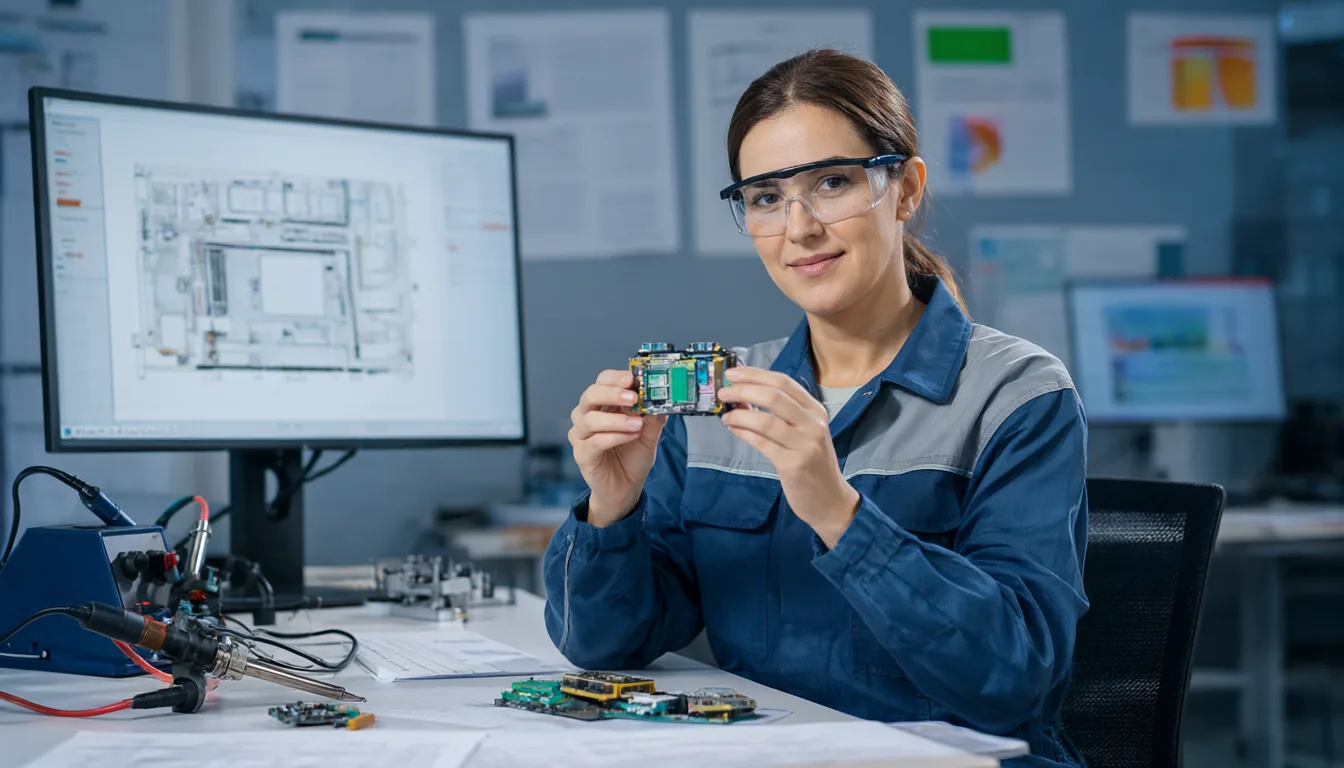
OpenAI says its top model, GPT-6 Astra, designed a complete hardware device in under a week: the enclosure, the circuit board, the component choices, the firmware and the user interface. The device is a small gadget for talking to OpenAI’s Codex coding agent, built by two people on OpenAI’s hardware team as a side project, with no direct human edits to the design files according to OpenAI. A contract manufacturer turned it into a small batch of working prototypes in under a month. OpenAI published the story on November 3, 2026 in a post called “Accelerating engineering for the physical world.” Below I go through what was actually shown, where Astra struggled, what the new BenchCAD 2.0 numbers say, and how makers can use AI for hardware today.
- What: GPT-6 Astra designed a talk-to-Codex device end to end: case, PCB layout and routing, parts, firmware and UI.
- Speed: design in under a week; prototypes from a contract manufacturer in under a month.
- Limits: several revision rounds, because Astra did not always account for tolerances, manufacturing constraints and assembly details.
- Benchmark: on BenchCAD 2.0, Astra at maximum reasoning scores 0.594; an unreleased internal OpenAI model scores 0.875.
- Not for sale: the device is an internal prototype. Nothing has been announced for release.
What OpenAI Says Happened
Hardware is harder for AI than code. A bug in software costs a re-run; a mistake in a circuit board costs a new board, a new order and weeks of waiting. That is why this demo got attention. According to OpenAI and The Decoder’s report, GPT-6 Astra handled every stage of the design:
| Stage | What Astra did |
|---|---|
| Mechanical | Designed the enclosure |
| Electronics | Chose components and laid out the printed circuit board, including trace routing |
| Firmware | Wrote the code running on the device |
| Interface | Designed the user-facing interaction for talking to Codex |
| Manufacturing | Design files went to a contract manufacturer, which built a small prototype batch in under a month |
The device itself is modest: a dedicated gadget for speaking to the Codex agent. The point is not the gadget, it is that a general model went from idea to manufacturable files in days with two engineers supervising part time. OpenAI did not name the CAD or electronics design tools Astra used, so any claim that it drove a specific program such as KiCad is unconfirmed.
Where Astra Struggled
OpenAI was open about the weak spots. The design needed several revision rounds because Astra “didn’t always account for manufacturing constraints, tolerances, and assembly details.” In plain terms:
- Tolerances: parts that fit perfectly on screen can bind or rattle once real plastic shrinks and real boards vary by fractions of a millimetre.
- Manufacturing rules: a factory has minimum wall thicknesses, drill sizes, trace spacing and placement rules. A design can be electrically correct and still impossible or expensive to build.
- Assembly: screws need driver access, connectors need room for fingers, and components need to be placed in an order a pick-and-place line can handle.
These are exactly the things experienced engineers learn from failed builds rather than textbooks, so it is not surprising that a model trained mostly on text and code misses them. It also explains why the humans in the loop still mattered.
BenchCAD 2.0 Scores Explained
OpenAI also shared scores on BenchCAD 2.0, a benchmark that checks whether a model can reconstruct 3D parts and assemblies and identify connections on circuit boards.
| Model | BenchCAD 2.0 score | Availability |
|---|---|---|
| GPT-6 Astra (highest reasoning) | 0.594 | ChatGPT Plus and higher, Codex, API |
| Unnamed internal OpenAI model | 0.875 | Not released, no details shared |
Both numbers are vendor-reported, and I have not found independent BenchCAD 2.0 results for other labs’ models yet. The jump from 0.594 to 0.875 is the more interesting signal: OpenAI is telling us its next model is much better at spatial and electrical reasoning, which is the exact gap the device project exposed.
The Bigger Picture at OpenAI
- Internal use is growing fast. OpenAI says its hardware teams use Codex and ChatGPT for CAD models, manufacturing drawings and simulations in robotics and compute infrastructure, and token use for this work is up 23 times since February 2026.
- OpenAI’s own device. OpenAI is separately reported to be building a consumer device, described as something between an AI speaker and a smartphone. The Codex gadget is not that product.
- Codex keeps expanding. Two days later OpenAI announced it would buy Pierre Computer to add Git-style code storage to Codex. I covered that in my OpenAI Codex guide.
How Makers Can Use AI for Hardware Today
You do not need an internal OpenAI model to get value from AI on hardware projects. The trick is to make the design text-based, so a language model can read and write it:
- Code-based CAD. Tools like OpenSCAD and CadQuery describe 3D parts in code. Ask the model for a parametric enclosure with your board’s dimensions, render it, and iterate. Always give real measurements and wall-thickness rules for your printer or factory.
- Electronics scripting. KiCad has a Python scripting interface, and community MCP servers let agents read schematics and boards. Use AI to check pin assignments, generate bills of materials or explain a reference design, not to route a board blind.
- Firmware. This is where AI is strongest today. Agents like Codex or Claude Code can write and debug Arduino, ESP-IDF or Zephyr code well, especially when you paste the datasheet section.
- Design reviews. Paste your design rules and ask the model to list everything that might fail manufacturing: clearances, drill sizes, connector access. It catches easy mistakes, and you catch the rest.
- Local option. For privacy, a strong local model with an agent such as Cline works too. See my local LLM with Blender MCP and Cline guide; the same setup can drive code-based CAD.
If you are choosing a coding agent for this kind of work, my Cursor vs Windsurf vs Claude Code vs Cline comparison and best MCP servers list are good starting points.
My Take
This is an impressive demo with an honest footnote. The impressive part is speed: a week of design time for a full product stack would take a small human team much longer. The footnote is that the revision rounds came from the same physical-world details that have always separated a working prototype from a shippable product. I read it as “AI can now do the first 80% of a simple device,” not “AI replaces hardware engineers.” The 0.875 BenchCAD score for the internal model is the number to watch, because if it holds up outside OpenAI, the next demo may need far fewer revisions. Also note this is OpenAI marketing its own model; until outside teams reproduce something similar, treat the details as vendor-reported.
Common Problems and Fixes When Using AI for Hardware Design
OpenAI’s own revision rounds are a good preview of what you will run into. Language models are confident about geometry and electronics even when they are wrong, so most of the work is catching their mistakes early and cheaply. These are the problems I would expect, and how to deal with each one.
| Problem | Likely cause | Fix |
|---|---|---|
| Dimensions are wrong or parts do not line up | The model guessed sizes, mixed millimetres and inches, or lost track of earlier numbers in a long chat | Put every key measurement in one list at the top of the prompt, state the unit, and ask the model to use named parameters instead of bare numbers. Measure your real board with calipers rather than trusting a datasheet drawing alone. |
| Printed or molded parts do not fit together | No clearance for real-world tolerances, which is the exact issue OpenAI reported | Tell the model the clearance your printer or factory needs and ask it to add it to every mating surface. Print a small test piece first, not the whole enclosure. |
| The part looks fine but cannot be made | Walls too thin, unsupported overhangs, or features smaller than the process allows | Paste your manufacturer’s design guidelines into the prompt and ask for a list of every feature that breaks them before you export anything. |
| The code-based CAD script does not run | Invented functions or syntax from a different library version | Paste the exact error back to the model, tell it which tool and version you use, and keep scripts short so errors are easy to locate. |
| Wrong pinout or a part that does not exist | The model recalled a similar component, or a part number from memory | Give it the datasheet section for each chip, and check every part number with a real distributor before you order. |
| Board fails design rule checks | Trace widths and spacing do not match your fabricator’s limits | Load the fab’s rules into your PCB tool, run its design rule check (KiCad has one built in) and feed the error list back to the model. |
| Screws or connectors cannot be reached | The model does not think about assembly order or hand and tool access | Ask it to write the assembly steps in order. Steps that are impossible to describe usually point to a design that is impossible to build. |
| Firmware compiles but the device does nothing | Wrong pin numbers, clock settings or board definition | Start with a blink or serial “hello” test on the real board, then add features one at a time and share serial output with the model. |
The common thread is simple: give the model real constraints, check its output with real tools, and test on cheap prototypes before you spend money on a full order. A single bad board revision can cost more time than the whole AI-assisted design took.
Frequently Asked Questions
Can I buy the Codex device GPT-6 Astra designed?
No. OpenAI only mentions a small batch of prototypes. Nothing has been announced for sale.
Did humans help design it?
Two OpenAI staff ran it as a side project and managed several revision rounds, but OpenAI says the design files had no direct human edits.
What is BenchCAD 2.0?
A benchmark that tests whether AI models can reconstruct 3D parts and assemblies and identify connections on circuit boards. Astra scores 0.594 at maximum reasoning; an unreleased OpenAI model scores 0.875.
Can I use GPT-6 Astra for my own hardware project?
Yes. Astra is available in ChatGPT Plus and higher, in Codex and on the API. It works best with code-based CAD tools and for firmware, with a human checking manufacturing details.
Is AI good enough to design a circuit board on its own?
Not without supervision. Even OpenAI’s demo needed several revision rounds. Use AI to suggest parts, explain reference designs and review your work, then run your PCB tool’s design rule check and have a person look over the board before ordering.
What file format should I ask an AI to produce for 3D printing?
Ask for a code-based CAD script, such as OpenSCAD or CadQuery, rather than a raw mesh. You can read and edit the script, change parameters, and export an STL for your printer from the tool itself.