OpenAI has released ChatGPT Images 2.6, and the two features most people will notice are GIF creation and saved reference images. For developers there are two new API models, GPT-Image-2.6 Flare and GPT-Image-2.6 Sunburst, which OpenAI says generate images about 50% faster. The update is rolling out to every ChatGPT tier, including free users, on web, desktop and mobile, and inside Codex. Below is what changed, how Flare and Sunburst differ, what the API costs, and how it compares with the rest of the image-model field.
- Released: 4 November 2026, all ChatGPT tiers plus Codex.
- New in ChatGPT: animated GIFs, and a library of saved reference images (you, pets, characters) to reuse without re-uploading.
- New in the API:
gpt-image-2.6-flare(fast, layouts, as little as ~6 s at low quality) andgpt-image-2.6-sunburst(detail, consistent edits). - Price: same token prices as 2.5: $5/M text in, $8/M image in, $30/M image out.
- Extras: SVG output, image markup (point at what to change) and a new
complexityparameter. - Scale: OpenAI says its products now generate 4 billion images a week.
What Is New for ChatGPT Users
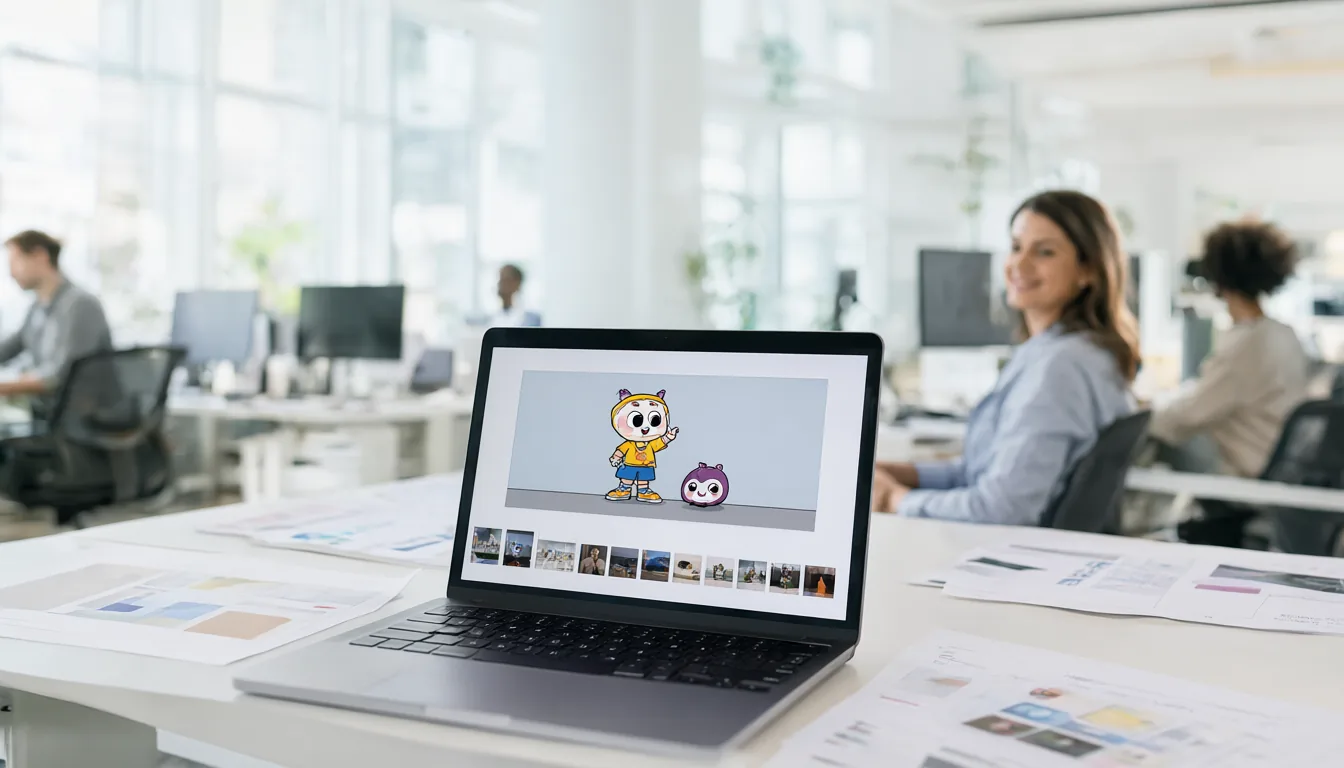
GIFs. You can now ask ChatGPT for a short animated loop instead of a still image. OpenAI’s examples are characters, mascots, product shots, sketches, reaction images and storyboards. This is not a video model: think short looping animations for chats, social posts and simple product demos.
Reference images. You can save reference pictures of yourself, your pets or recurring characters and reuse them in later prompts without uploading them again. OpenAI also says the update keeps characters, products and brand details more consistent across a chain of edits, which was one of the most common complaints about earlier versions.
Both features are rolling out globally to all subscription tiers. OpenAI has not published separate usage limits for GIFs, so expect free users to hit caps faster than Plus and Pro users, as with stills.
How to Make GIFs and Use Saved References (Step by Step)
Make a GIF in ChatGPT:
- Open ChatGPT on the web, desktop or mobile app (or Codex) and start a new chat. Update the mobile app if you do not see the new image tools yet; the rollout is gradual.
- Upload a starting image if you have one (a mascot, product shot or sketch), or describe the character from scratch.
- Ask for the animation directly and describe the motion and length, for example: “Turn this mascot into a 2-second looping GIF of it waving, plain white background.”
- Refine in the same chat: “slower”, “make the loop seamless”, “add a small bounce at the end”. Each follow-up edits the same animation.
- Download the GIF from the image menu and use it in chats, slides or social posts.
Good GIF prompts describe one simple motion, a short duration and a clean background. Complex scenes with many moving parts are better suited to a real video model.
Save and reuse a reference image:
- Upload a clear photo of the person, pet, character or product you want to reuse (one subject, good light, face or product clearly visible).
- Save it as a reference when ChatGPT offers the option, and give it a name you will remember.
- In later chats, mention it by name (“put my reference Max the dog on a beach”) instead of uploading again.
- For a series, keep the same reference across prompts so the face, outfit or product details stay consistent.
Only save references of yourself or of people who have agreed, and check OpenAI’s data controls if you do not want uploads used to improve models.
Flare vs Sunburst: Which API Model to Use
OpenAI kept the two-model split it introduced with GPT Image 2.5. Both models take text and image input and cost the same; the difference is what they are tuned for.
| GPT-Image-2.6 Flare | GPT-Image-2.6 Sunburst | |
|---|---|---|
| Model ID | gpt-image-2.6-flare |
gpt-image-2.6-sunburst |
| Tuned for | Speed, fast iteration, posters, product layouts | Fine detail, consistent edits |
| Best quality settings | Low to medium | Medium to high |
| Speed note | As little as ~6 s at low quality (OpenAI) | No official figure |
| Price | Same token pricing for both | |
My rule of thumb: use Flare for drafts, thumbnails, banners and anything with a layout, and switch to Sunburst for the final hero image or for multi-step edits where a face or product must stay the same.
API Features and Pricing
The 2.6 models work on the image generation and edit endpoints. New controls:
complexity: low, medium or high (default high). It sets how much planning the model does before drawing. OpenAI recommends low for most quick edits.quality: low, medium, high, xhigh or max.- SVG output: static vector images on generation (one per request), useful for logos, icons and print.
- Image markup: the annotation tool from ChatGPT is now in the API, so you can mark the exact area to change.
- GIF output: 2 to 64 frames, 20 to 2,000 ms per frame, default 9 frames at 200 ms. Not available on the edit endpoint.
Pricing is unchanged from 2.5, per million tokens:
| Token type | Price (standard) |
|---|---|
| Text input | $5.00 |
| Cached text input | $1.25 |
| Image input | $8.00 |
| Cached image input | $2.00 |
| Image output | $30.00 |
OpenAI does not publish a flat per-image price for 2.6, because cost depends on size, quality and how many output tokens the image uses. As a rough example, 1,000 text tokens in and 3,000 image tokens out costs about $0.095.
API Quick Start (Python)
The 2.6 models use the same Images API as earlier GPT Image models, so upgrading is mostly a change of model name. A minimal example with the official openai Python package (pip install -U openai, and your key in the OPENAI_API_KEY environment variable):
from openai import OpenAI
import base64

client = OpenAI()

result = client.images.generate(
    model="gpt-image-2.6-flare",   # or "gpt-image-2.6-sunburst"
    prompt="flat vector poster for a coffee shop called 'Bean There', warm colours",
    size="1024x1536",
    quality="low",                 # low, medium, high, xhigh, max
)

with open("poster.png", "wb") as f:
    f.write(base64.b64decode(result.data[0].b64_json))
Practical tips:
- Start with
gpt-image-2.6-flareatquality="low"while you iterate, then re-run the final prompt on Sunburst at medium or high. - Set the new
complexityparameter to low for quick edits and simple images; leave it at the default (high) for complex layouts with lots of elements. - For GIFs, the API exposes
frame_count(2-64) andframe_duration_ms(20-2,000 ms); the default is 9 frames at 200 ms. GIFs work on the generation endpoint only, not on edits. - For SVG, request vector output on a generation call (one SVG per request). Check OpenAI’s API reference for the exact output parameter names on your SDK version.
- If you call from n8n, Make or another no-code tool, just swap the model name in the existing OpenAI image node.
What an Image Really Costs
Because billing is per token, cost per image depends on size and quality. OpenAI does not publish a fixed per-image price for 2.6, but you can estimate it: image output is $30 per million tokens, which is $0.03 per 1,000 output tokens.
| Example job | Tokens (illustrative) | Approx. cost |
|---|---|---|
| Short prompt, small low-quality draft | ~200 text in, ~1,000 image out | ~$0.03 |
| Typical prompt, medium image | 1,000 text in, 3,000 image out | ~$0.095 |
| Edit with one input image | adds image input at $8 per million tokens | a few cents more |
These are estimates from the published token prices, not measured bills. Retries, extra input images and higher quality settings all add cost, so run a small test batch and check your usage dashboard before scaling up. Note that OpenAI listed a discounted Batch price for 2.5 image output ($15 per million) but had not listed one for 2.6 at launch.
How It Compares
At the time of writing, 2.6 had not appeared on the Artificial Analysis or Arena image leaderboards. Its predecessor already led the Artificial Analysis text-to-image board, with GPT Image 2.5 Sunburst at about 1223 Elo and Flare at about 1207, ahead of Nano Banana 2.1 (about 1176), Grok Imagine Image 2.0 (about 1168) and FLUX 3 Image (about 1119). Since 2.6 is mainly a speed and features update, I would expect it to hold that lead, but wait for the leaderboard before treating that as fact.
If you prefer to run image models on your own GPU, with no per-image cost and no upload of your photos, see our best open-source text-to-image models guide, or the new P-H3-Image release from Pruna.
GPT Image 2.6 vs Nano Banana, Grok, FLUX, Ideogram and Midjourney
| Model | Price (as listed) | Strengths | Run locally? |
|---|---|---|---|
| GPT-Image-2.6 Flare / Sunburst | $30 per M image output tokens (~$0.03 per 1K tokens) | Top of the AA leaderboard (2.5), GIFs, SVG, markup edits, saved references | No |
| Nano Banana 2.1 (Google) | ~$0.0336 per 1K image output | Strong edits, cheap, Gemini integration | No |
| Grok Imagine Image 2.0 (xAI) | $0.04 low / $0.06 medium per 1K output | Fast, permissive styles | No |
| FLUX 3 Image (Black Forest Labs) | $0.048 per 1K image | Photoreal, open Klein variant for local use | Klein variant, yes |
| Ideogram 4.5 | $0.03-$0.10 per image; $0.22 high with reference/edit | Typography and logos | No |
| Midjourney | Subscriptions from $10/month | Artistic look, community styles | No |
Prices are as listed by Kingy AI at launch and use different units, so compare them as rough guides only. If you want zero per-image cost and full privacy, local models such as Qwen-Image 2.1 Edit or FLUX 3 Klein run on a single consumer GPU.
Limits and Known Gaps
- No 2.6 leaderboard scores yet, and no published GenEval, DPG-Bench or DrawBench results.
- GIFs are short loops, capped at 64 frames, and not available on the API edit endpoint. Maximum frame count and maximum frame duration cannot be combined because of pixel limits.
- SVG is static and limited to one per request.
- Usage caps for GIFs and references in ChatGPT were not published; free accounts will hit limits first.
- API access and rate limits depend on your usage tier; OpenAI does not say every account has access on day one.
- No speed comparison between Flare and Sunburst beyond OpenAI’s “as little as six seconds” for Flare at low quality.
My Take
GIFs get the headlines, but saved references are the bigger deal for regular users. Keeping a character or product consistent was the main reason people moved from ChatGPT to tools like Midjourney or local ComfyUI workflows. For developers, the 50% speed gain at the same price is a straight upgrade, and SVG output plus markup make the API more useful for real design work, not just pretty pictures.
Frequently Asked Questions
Is ChatGPT Images 2.6 free?
Yes, OpenAI says it is rolling out to all ChatGPT tiers, including free, with tighter limits on free accounts.
How do I make a GIF in ChatGPT?
Ask for an animated GIF or a looping animation in your prompt, for example “make a 2-second looping GIF of this mascot waving”. The feature is rolling out gradually, so it may take a few days to reach your account.
What is the difference between GPT-Image-2.6 Flare and Sunburst?
Flare is tuned for speed and layouts; Sunburst for detail and consistent edits. They cost the same.
Can GPT Image 2.6 make SVG files?
Yes, through the API it can output a static SVG on generation, one per request.
How much does a GPT Image 2.6 image cost?
There is no flat price. Image output costs $30 per million tokens, so a typical medium image with a normal prompt works out around $0.10, and small low-quality drafts around $0.03 (estimates).
Is GPT Image 2.6 better than Nano Banana 2.1?
GPT Image 2.5 already scored higher than Nano Banana 2.1 on the Artificial Analysis leaderboard (about 1223 vs 1176 Elo). Scores for 2.6 were not out at launch. Nano Banana is cheaper per image.
Can I use GPT-Image-2.6 in n8n or Make?
Yes. Use the existing OpenAI image node and change the model name to gpt-image-2.6-flare or gpt-image-2.6-sunburst, once your API account has access.